Skip to Content
Quickstart

Quickstart

This guide shows you how to set up a Hardhat or Foundry project with a Stagenet.

You will:

  1. Create a Stagenet
  2. Import your contracts from GitHub
  3. Run your existing deployment scripts against your Stagenet
  4. Inspect your deployed contracts in tailored analytics Workspaces

By the end, your contracts will be running in a production-like environment with dashboards to visualise their activity, TVL, balances, state variables, and key contract metrics.

You do not need to change your contracts. All you need is:

  • A Hardhat or Foundry project
  • A GitHub repository containing that project
  • A deployment script or command to run against your Stagenet’s RPC URL

Create a Stagenet

Start by creating a new contract.dev project. Each one includes its own Stagenet, a private testnet that replays a target EVM chain and comes with built-in tools and analytics.

Choose the chain you want your Stagenet to replicate during project setup.

Create Project Modal

Import contracts from GitHub

Next, connect the GitHub repository containing your contracts.

This lets your Stagenet compile your contracts and detect when they are deployed on it. When a recognised contract is deployed, the Stagenet creates a Workspace for it automatically.

Open your Stagenet’s CI/CD dashboard from the sidebar, then click Install GitHub App.

Install GitHub App

This begins installation of the contract.dev GitHub app, allowing your Stagenet to access your repositories and import their contracts. Follow the GitHub flow and grant the app access to the repository containing your project.

Once redirected back to the CI/CD dashboard, select your repository from the dropdown and click Add Repository.

Select Repository

Next, confirm the repository’s Build Configuration. This tells the Stagenet how to install your project’s dependencies and compile its contracts.

Build Configuration

Standard Foundry and Hardhat projects work out of the box (for example npm install && npx hardhat compile or forge install && forge build). If your project requires custom dependency installation or compilation steps, you can configure them here.

After confirming the build configuration, you’ll be taken to your repository’s dashboard where the initial compilation will begin.

Repository Compilation

Once compilation completes, your contracts are imported and appear in the Analytics dashboard. Their Workspaces become active when the matching contracts are deployed to your Stagenet.

Inactive Workspaces

Deploy contracts to your Stagenet

After importing, deploy your contracts to your Stagenet using your normal Foundry or Hardhat workflow. When a deployed contract matches one imported from GitHub, the Stagenet automatically activates its Workspace.

To deploy, point your existing Hardhat or Foundry scripts at your Stagenet’s RPC URL. You can find the RPC URL in your Stagenet dashboard:

Stagenet RPC URL

We recommend using the Wallet Generator to create a funded deployer wallet. You can also fund any address with the Faucet.

Foundry

Add your Stagenet’s RPC URL and a funded private key to your .env file:

STAGENET_RPC_URL=<YOUR_STAGENET_RPC_URL> PRIVATE_KEY=<YOUR_FUNDED_PRIVATE_KEY>

You can now run Foundry commands against your Stagenet to deploy your contracts.

# Load the URL and the private key from your .env file source .env # Deploy your contracts onto your Stagenet forge script script/Counter.s.sol:CounterScript --rpc-url $STAGENET_RPC_URL --private-key $PRIVATE_KEY --broadcast

Hardhat V2

Add your Stagenet’s RPC URL and your funded wallet under a custom stagenet network in hardhat.config:

module.exports = { solidity: "0.8.21", networks: { stagenet: { url: "<YOUR_STAGENET_RPC_URL>", accounts: [ "<YOUR_FUNDED_PRIVATE_KEY>", ], }, }, };

Deploy using the —network flag:

npx hardhat run scripts/my-deploy-script.js --network stagenet

Hardhat V3

Add your Stagenet’s RPC URL and your funded wallet under a custom layer one HTTP network in your hardhat.config:

export default defineConfig({ networks: { stagenet: { type: "http", chainType: "l1", url: "<YOUR_STAGENET_RPC_URL>", accounts: [ "<YOUR_FUNDED_PRIVATE_KEY>", ], }, }, });

Deploy using the —network flag:

npx hardhat run scripts/my-script.js --network stagenet

To get auto-generated Workspaces while using Hardhat V3 Ignition, use the default build profile:

npx hardhat ignition deploy ignition/modules/MyModule.ts --network stagenet --build-profile default

Inspect contracts via Workspaces

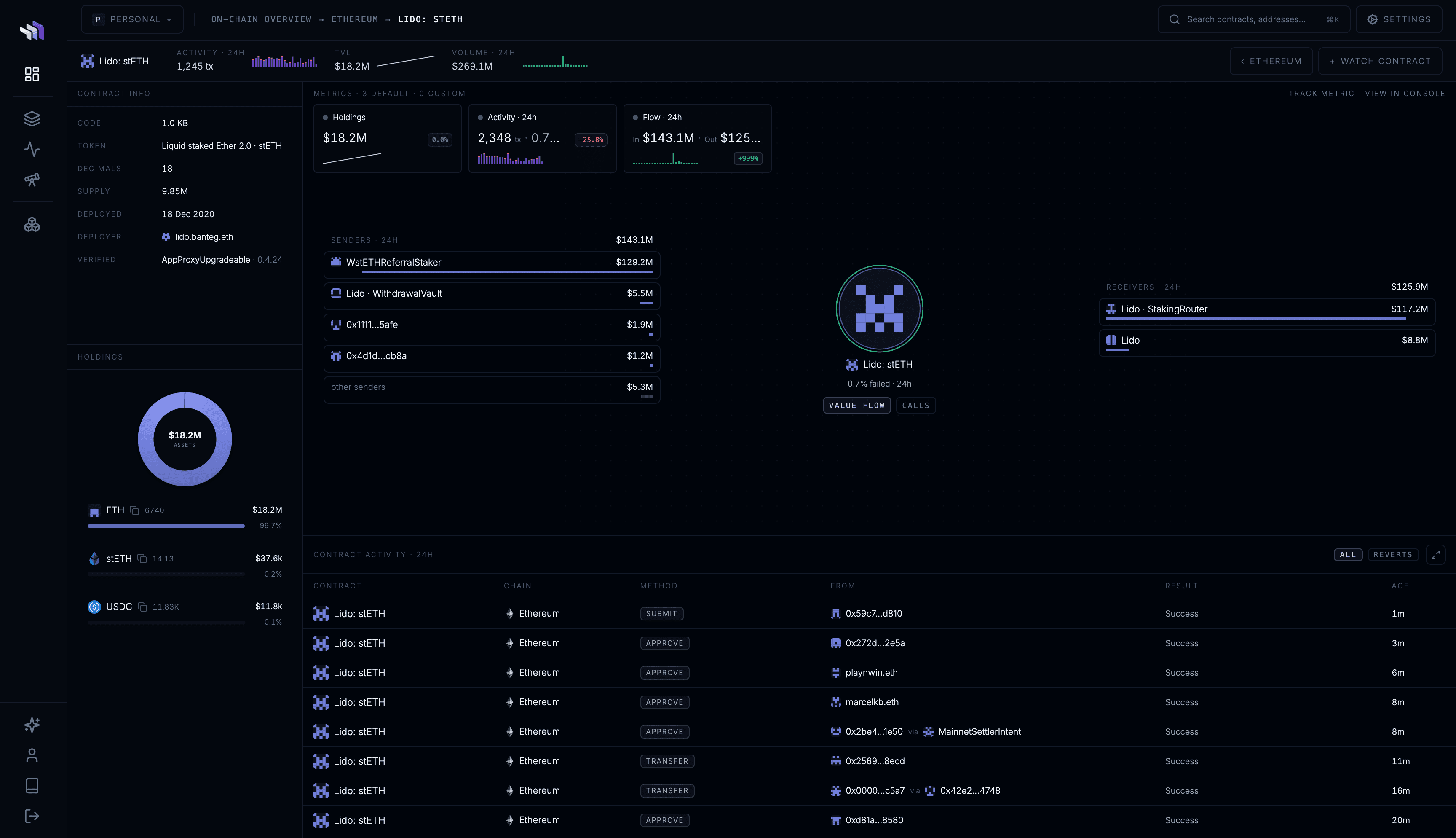
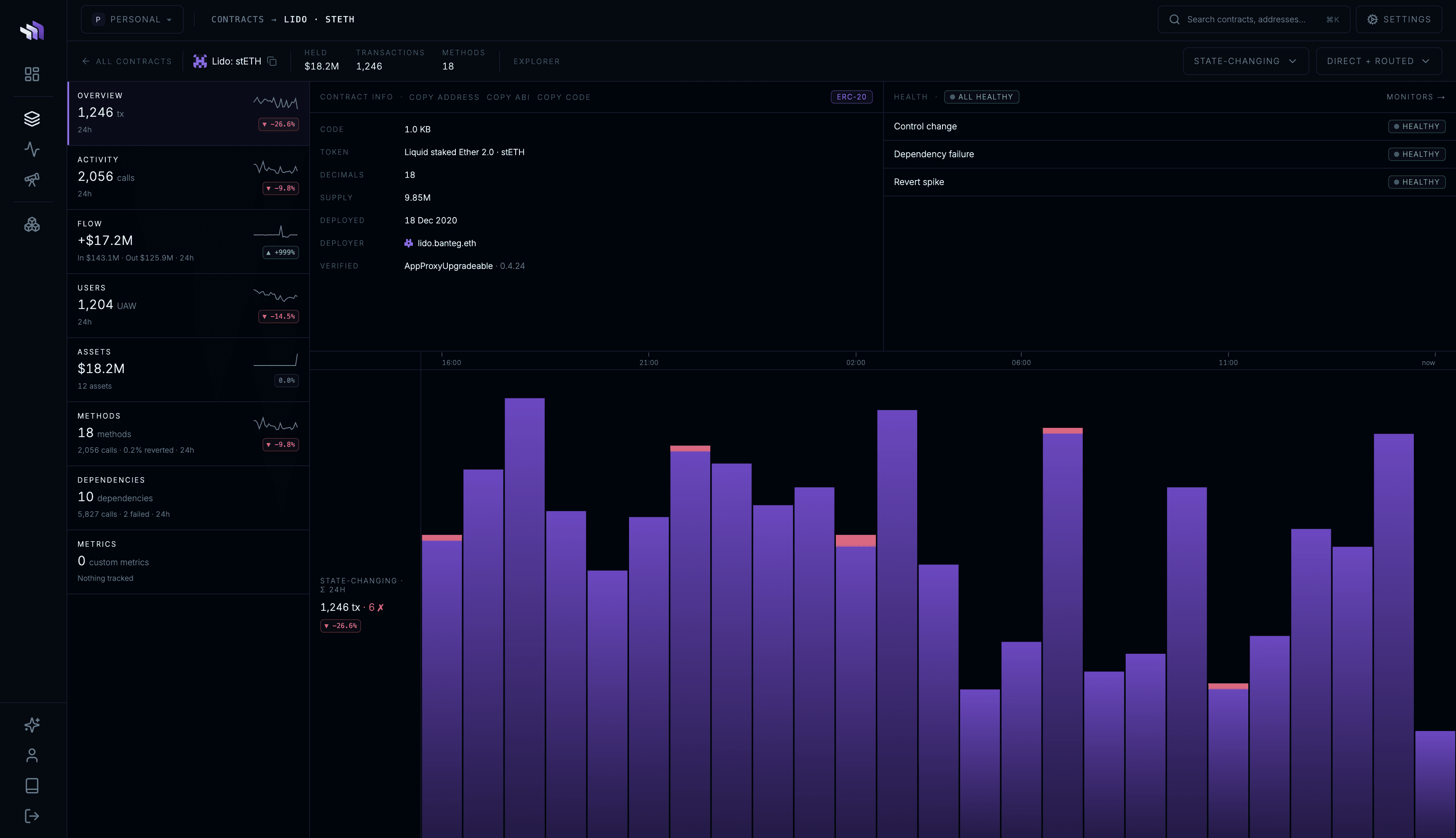
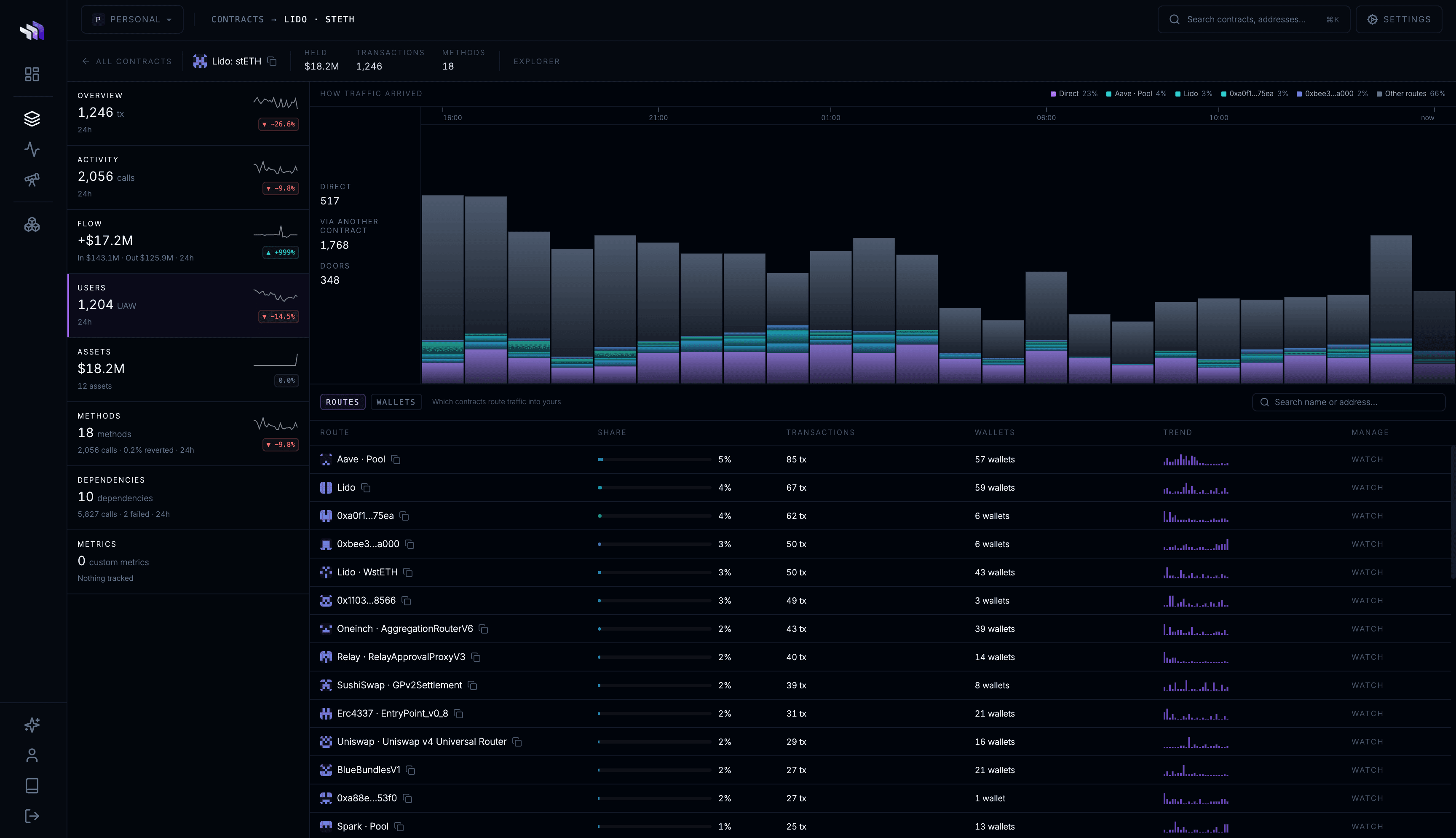
Once deployed, each contract receives its own Workspace — a dedicated dashboard for inspecting how that contract behaves on your Stagenet.

Use Workspaces to view contract activity, assets, state, and tracked metrics in one place.

View your Workspaces by navigating to your Stagenet’s Analytics dashboard via the sidebar.

Activated Workspaces

Within a Workspace, you can:

  • Inspect token balances and TVL
  • Explore transaction activity
  • View live storage variables
  • Track metrics such as yield, fees, balances, or function outputs over time
  • Simulate recurring user interactions with the contract

Workspace Dashboard

Next steps

With GitHub CI/CD configured, new and updated contracts pushed to your repository are imported automatically. Just push, run your deploy scripts, and new Workspaces are created for matching deployments — no manual setup required.

Now that your contracts are deployed and visible in Workspaces, you can:

  • Monitor — record and graph your contracts’ balances, storage, and function outputs as they evolve on your Stagenet.
  • Simulate — rapidly execute thousands of transactions through a fork of your Stagenet to test your contracts.
  • Use DeFi Integrations — build with Chainlink feeds, Chainlink Automation, and Uniswap hooks using protocol-aware tools.
  • Simulate Users — schedule recurring transactions to test how your contracts behave under ongoing usage.
  • Create Workspaces — create more Workspaces for wallets, third-party contracts, or other components your app depends on.
Last updated on