Activity
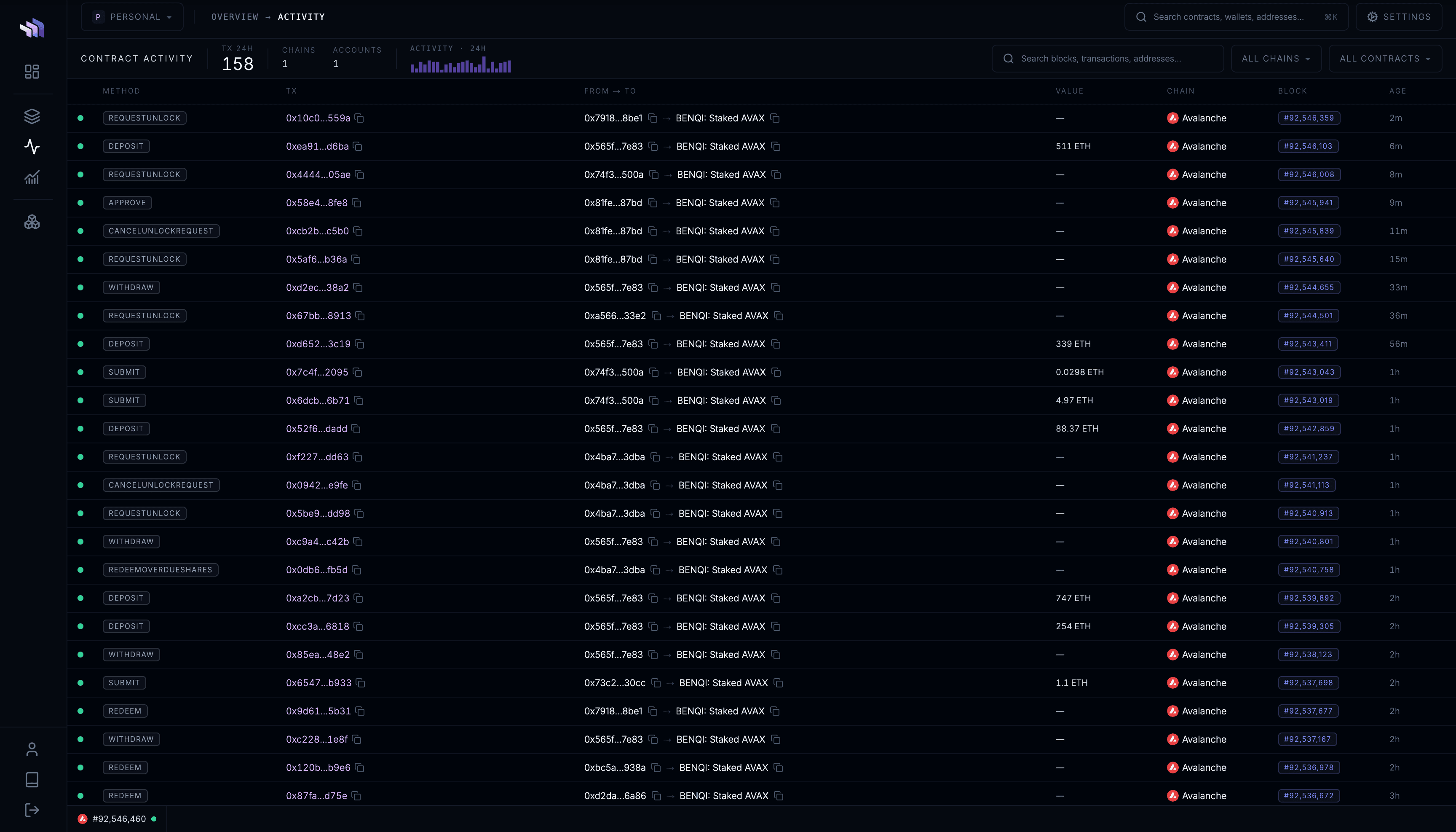
Activity gives you a near-real-time feed of transactions involving your watched contracts.
Use it to inspect activity across your entire application from one place.
Transactions
Each transaction shows:
- status
- method
- transaction hash
- sender and recipient
- value
- chain
- block
- time
Known contract and account names are shown where available.
Click a transaction to open it in the contract.dev Explorer for a more detailed view.
Filter activity
Use the chain filter to show activity from a specific network.
Use the contract filter to show transactions involving a specific watched contract.
Both filters can be used together.
Search
Use the search bar to jump directly to a:
- block
- transaction
- address
- watched contract
You can also press / to focus search.
Last updated on