Contract Observability Quickstart
Get production analytics for a deployed smart contract in a few minutes.
1. Sign in
Sign in at contract.dev.
A personal workspace is created for you automatically. Your workspace contains the contracts you watch, their analytics, and your application-level observability.
2. Watch a contract
From Overview, click Watch Contract.
Select the chain your contract is deployed on and enter its address. contract.dev will detect the contract and, where available, its name and type.
Click Watch Contract to start watching it.
Once watched, contract.dev begins indexing the contract and adds it to your application.
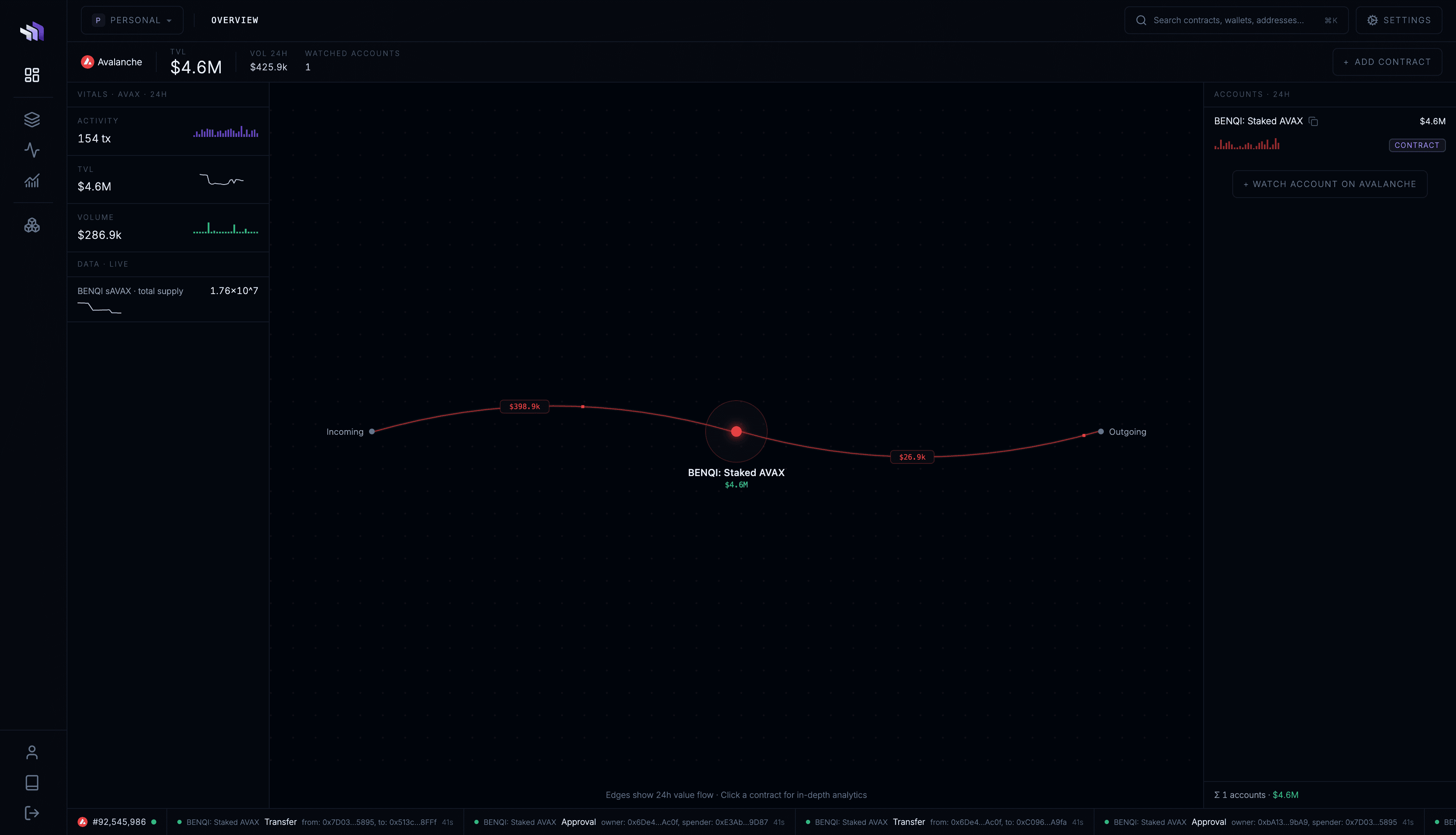
3. Explore your contract
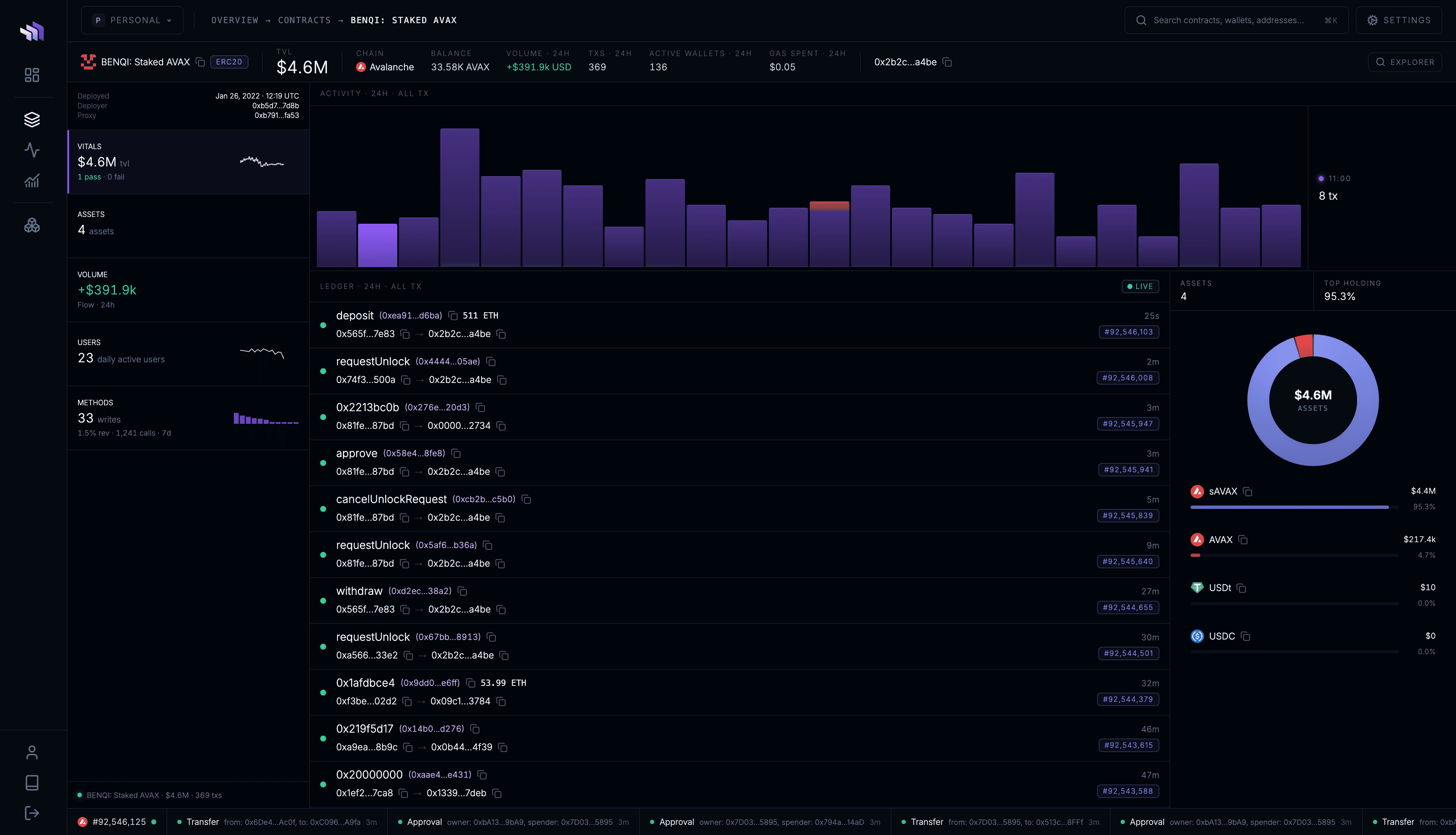
Every watched contract gets its own dashboard.
Open your contract to inspect:
- TVL and balances
- transactions and activity
- value flows and counterparties
- active users
- asset holdings and allowances
- method usage, reverts, and gas
Your contract also appears throughout Contract Observability:
- Overview — see its TVL, activity, volume, and value flows on your Application Map.
- Console — analyse it alongside your other watched contracts.
- Activity — see transactions involving the contract in your workspace-wide feed.
4. Add the rest of your application
Watch the other contracts that make up your application.
As you add them, contract.dev builds an application-level view across your contracts and chains, so you can analyse your application as a whole as well as each contract individually.