Chainlink Data Feeds
Stagenets replay mainnet block-by-block via Mainnet Replay, so all Chainlink Data Feeds behave exactly as they do in production. Stagenet contracts see real historical oracle data, updated in sync with this replay.
To monitor a feed’s live value, open the Chainlink Price Feeds dashboard from DeFi → Chainlink → Price Feeds.
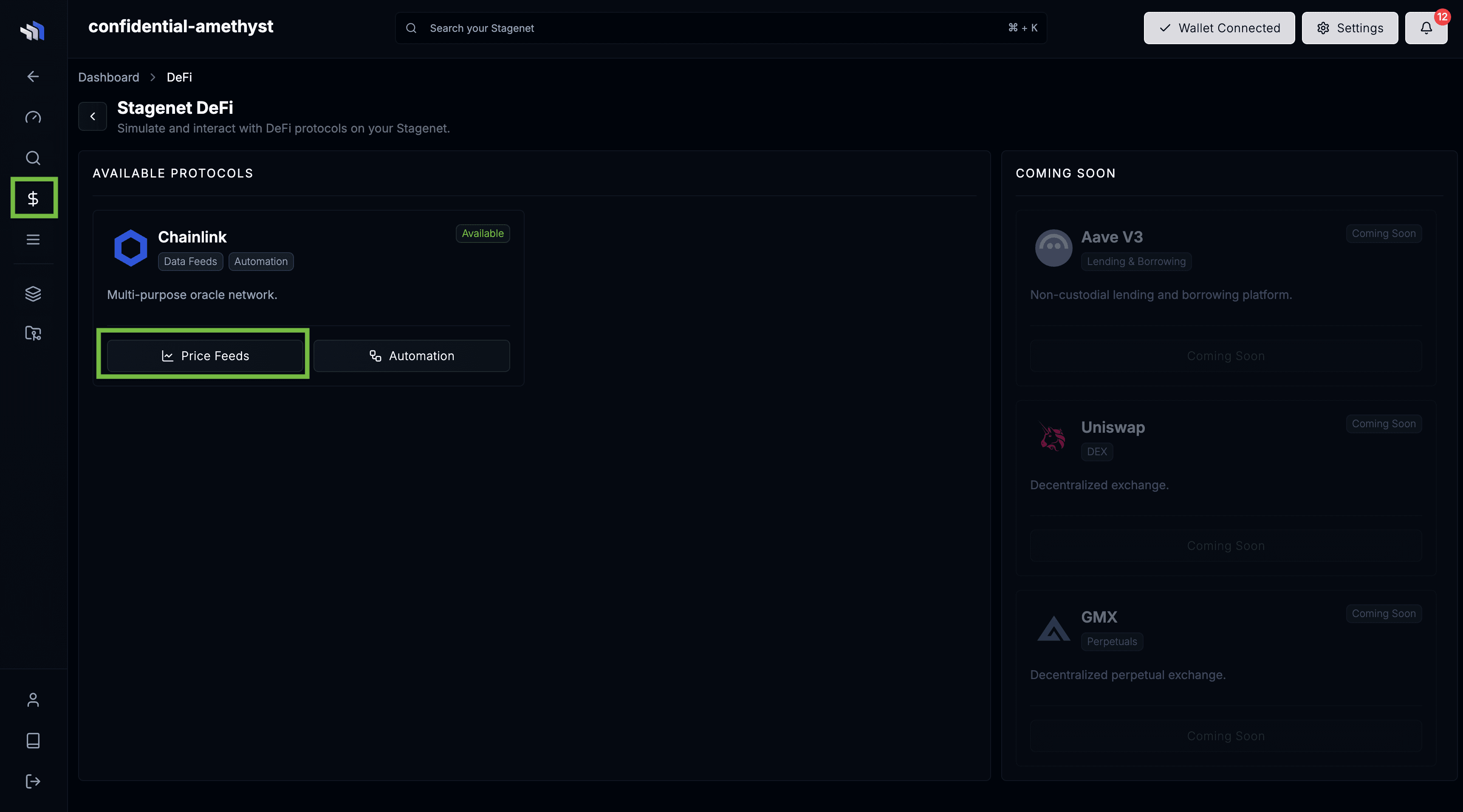
Add any feed by clicking Add Feed and entering its EACAggregatorProxy address.
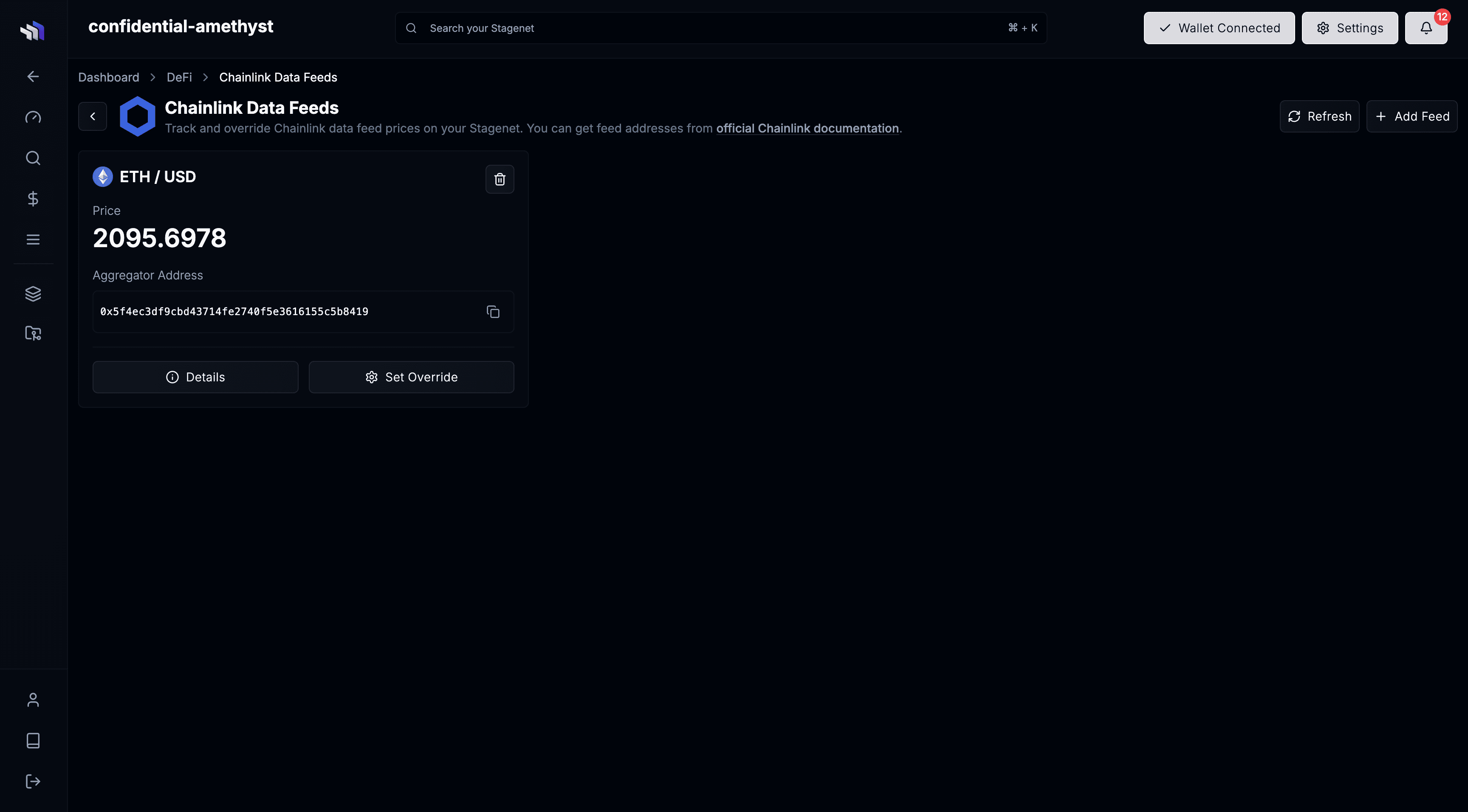
For example, on an Ethereum Stagenet, you would add the ETH/USD feed by entering 0x5f4eC3Df9cbd43714FE2740f5E3616155c5b8419.
You can find all feed addresses from the official Chainlink documentation.
After adding the feed, you’ll get a card showing its live value as replay advances.
Price Overrides
Stagenets let you override any price feed directly from the Chainlink Price Feeds dashboard. Use this to test how your contracts behave under specific market conditions—liquidations, oracle shocks, edge-case risk parameters, and more.
For example, you can set the BTC/USD feed to $1 to simulate how your contracts respond to major crash.
To apply an override, add the feed via its address, then click Set Override on its card.
The value you set is returned for all calls to latestAnswer() and latestRoundData() on its EACAggregatorProxy.