Hardhat V3 Quickstart
This guide walks you through integrating a Stagenet into your Hardhat V3 workflow. You’ll create a Stagenet, connect it to a GitHub repository, and generate a Contract Workspace for each contract.
Create a Stagenet
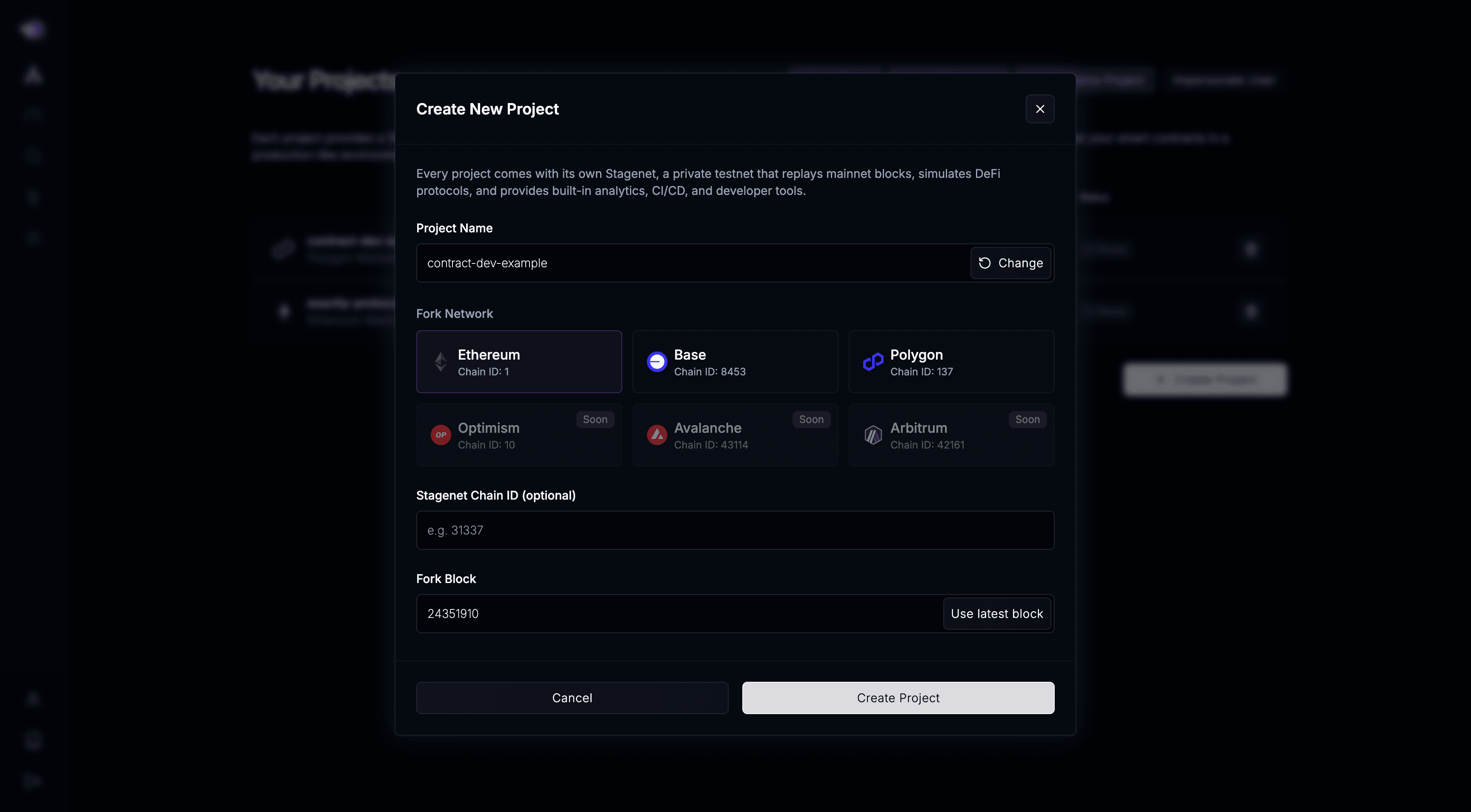
Start by creating a new project — each one comes with its own Stagenet.
Add Stagenet Endpoint and Private Key
To run Hardhat commands against your Stagenet, you’ll need:
- Your Stagenet’s RPC URL
- A funded private key (generated via the Stagenet’s Wallet Generator)
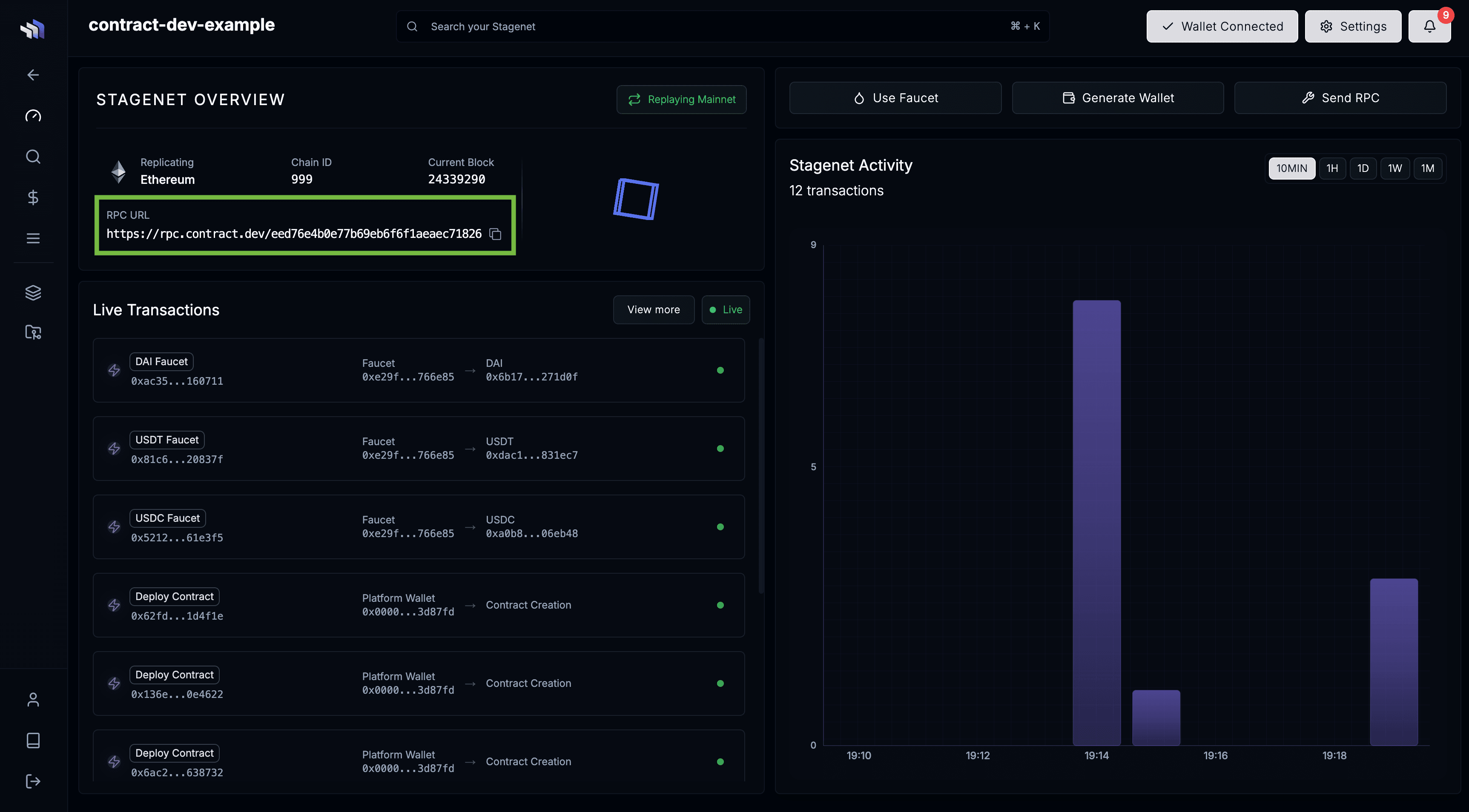
Get Stagenet RPC URL
Open your project’s dashboard and copy your Stagenet’s RPC URL.
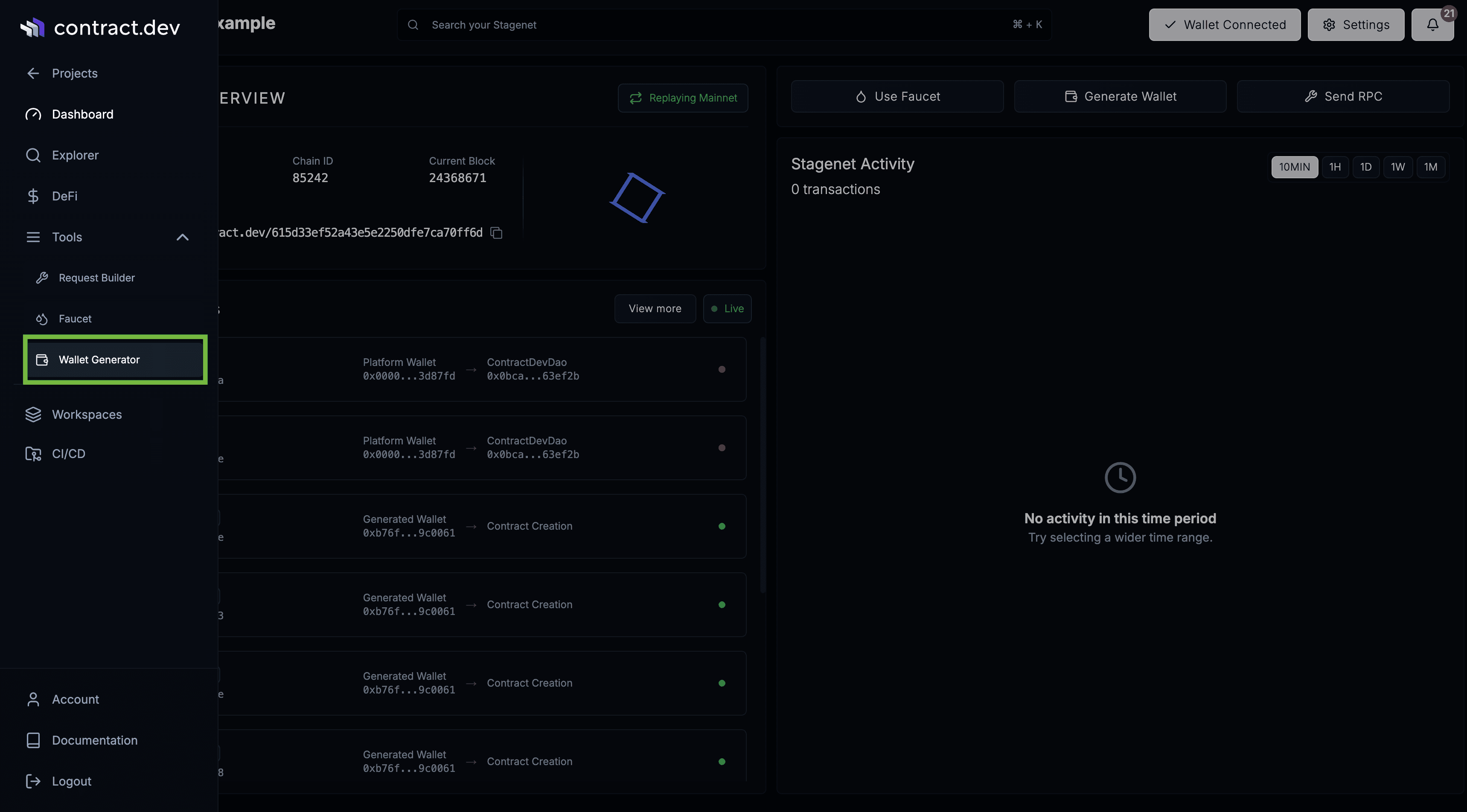
Get a Funded Stagenet Wallet
Open Tools → Wallet Generator in the sidebar.
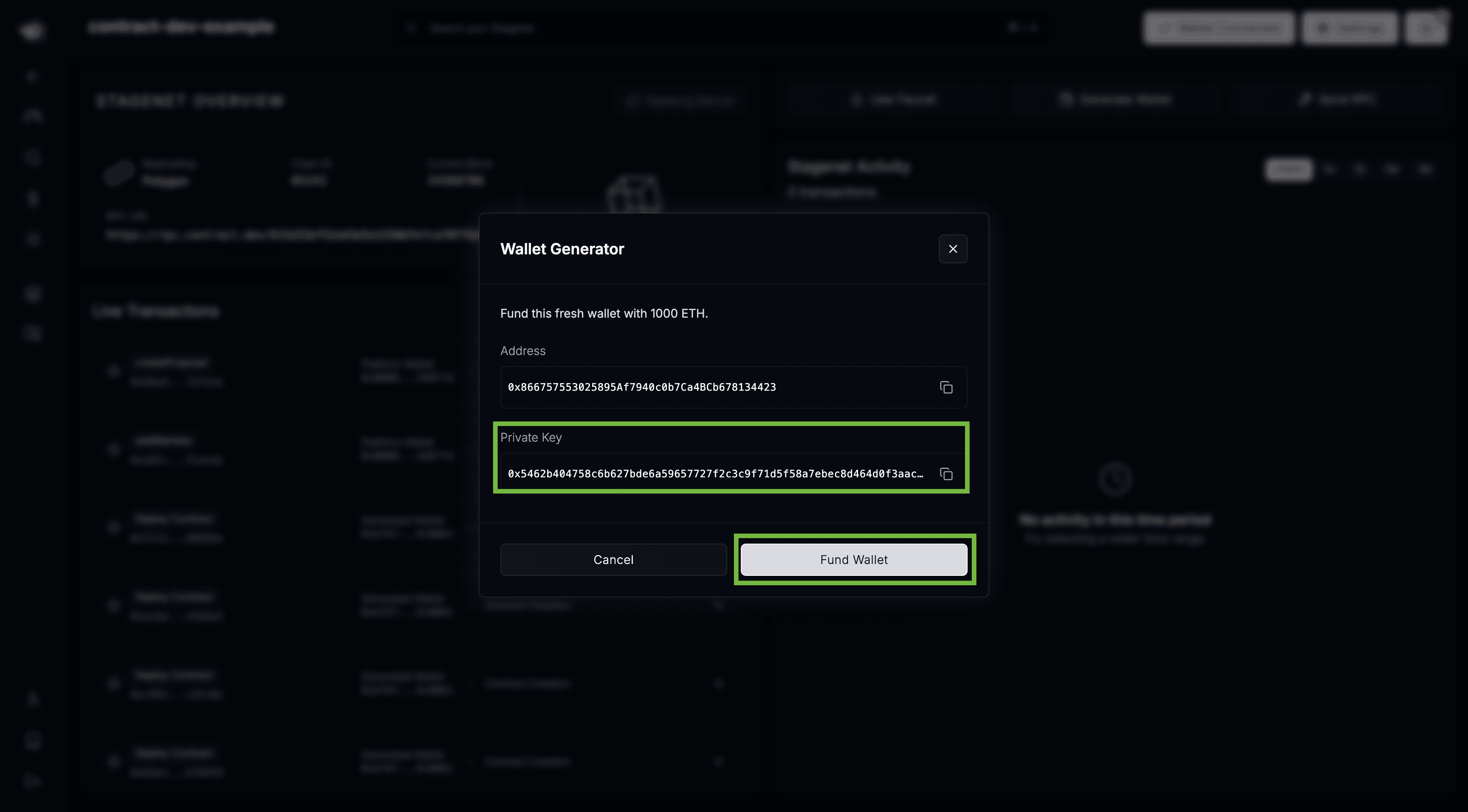
Copy the generated private key and click Fund Wallet.
Add Stagenet to hardhat.config
Now, add your Stagenet to your hardhat.config as a custom layer one HTTP network:
export default defineConfig({
  networks: {
    stagenet: {
      type: "http",
      chainType: "l1",
      // Replace with your own Stagenet's RPC
      url: "https://rpc.contract.dev/3bf1bb611043d73921481c879e5d18fa",
      accounts: [
        // Replace with your funded wallet's private key
        "0x227e704e2958c63eafbeb303d1a486b768ad2651121bc59b66ee30fd1000e2c8",
      ],
    },
  },
});
You can now run Hardhat commands directly against your Stagenet using the funded wallet via the --network flag:
npx hardhat run scripts/my-script.js --network stagenetIf you want to use Hardhat V3 Ignition to deploy your contracts onto your Stagenet, you need to use its default build profile option.
npx hardhat ignition deploy ignition/modules/MyModule.ts --network stagenet --build-profile defaultConnect GitHub Repository
Next, connect the GitHub repository containing your Hardhat project. This imports your contracts, creates a Contract Workspace for each one, and enables CI/CD.
Open the CI/CD dashboard via the sidebar.
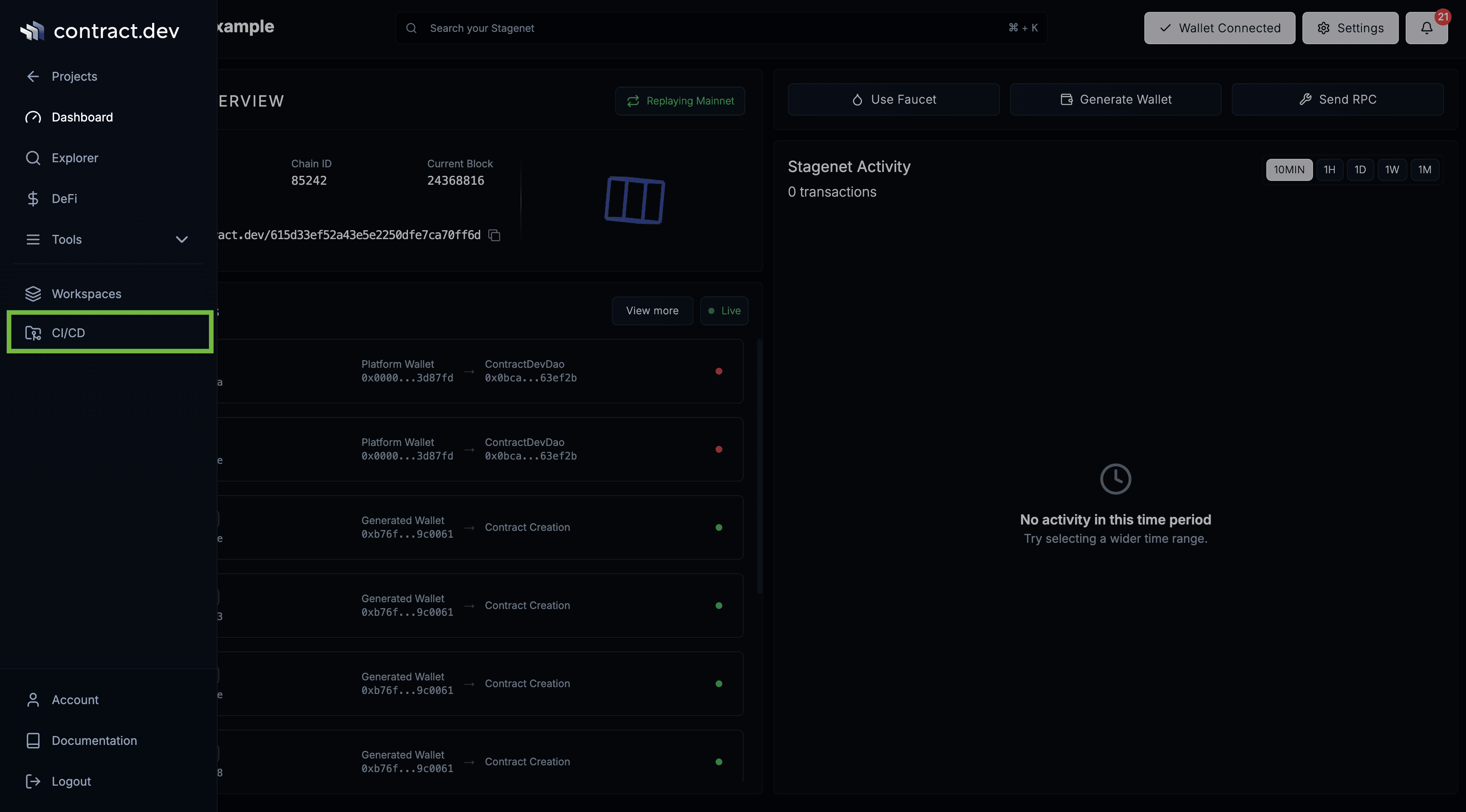
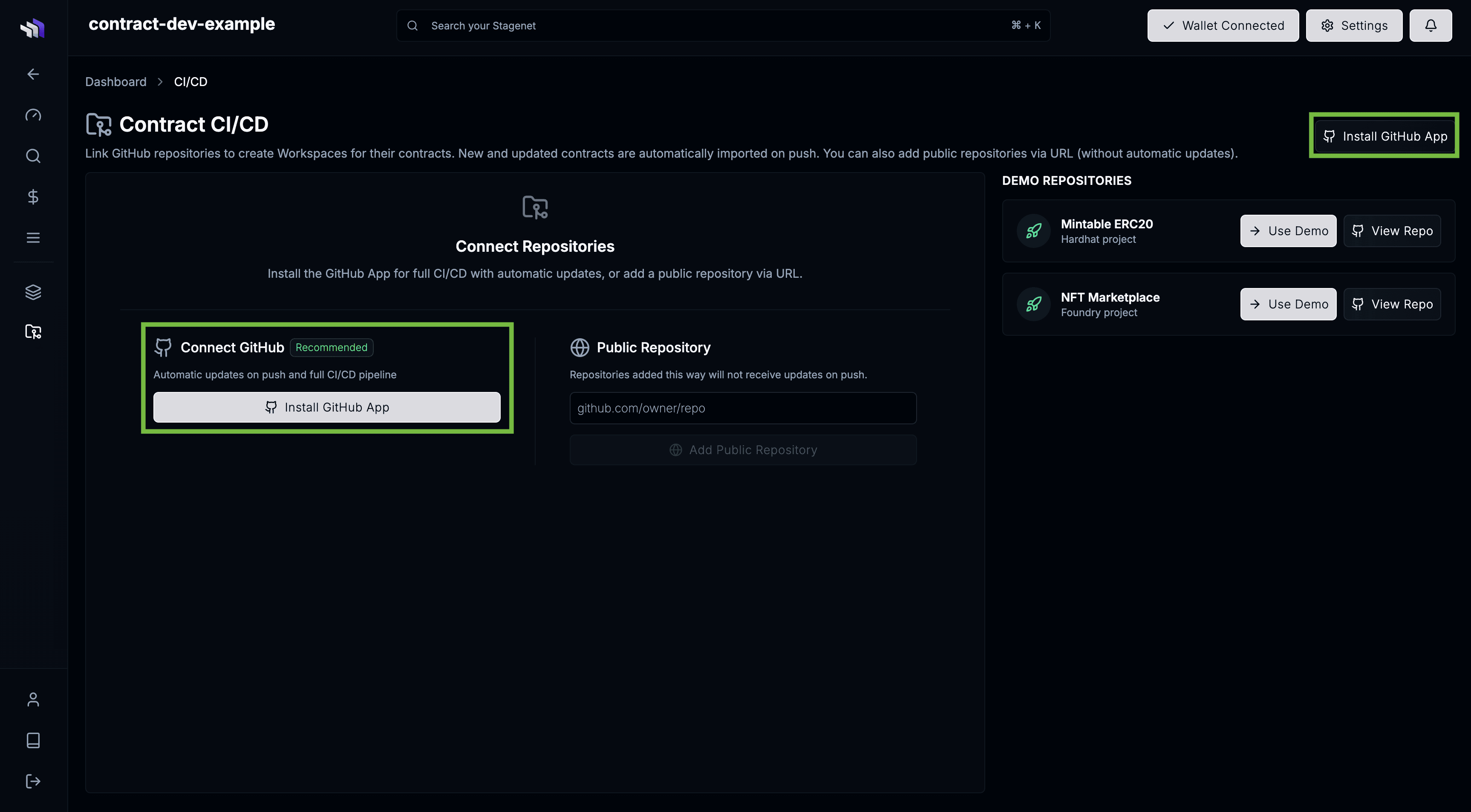
Then install the contract.dev GitHub App.
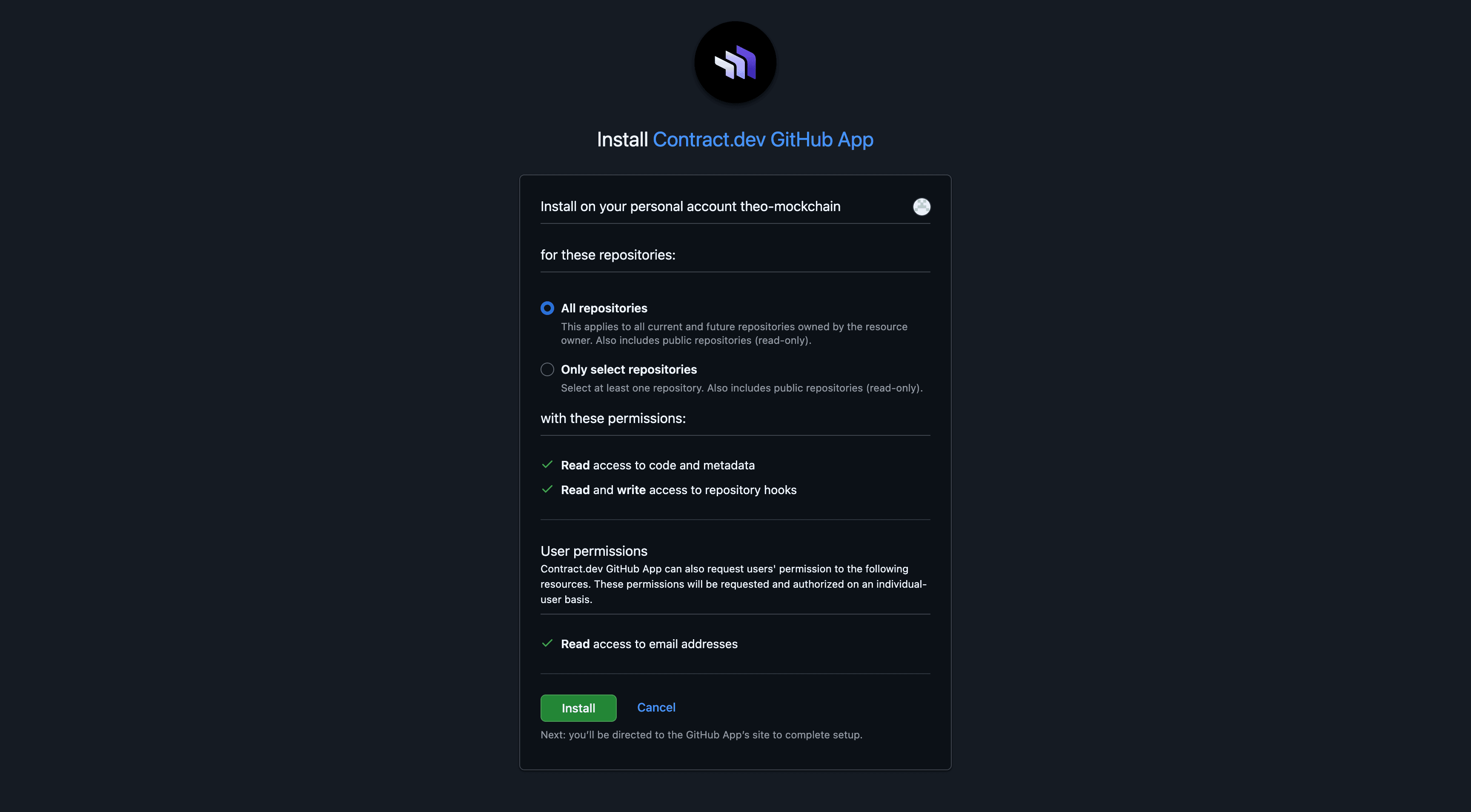
You’ll be redirected to GitHub to grant access. Approve the repository that contains your contracts.
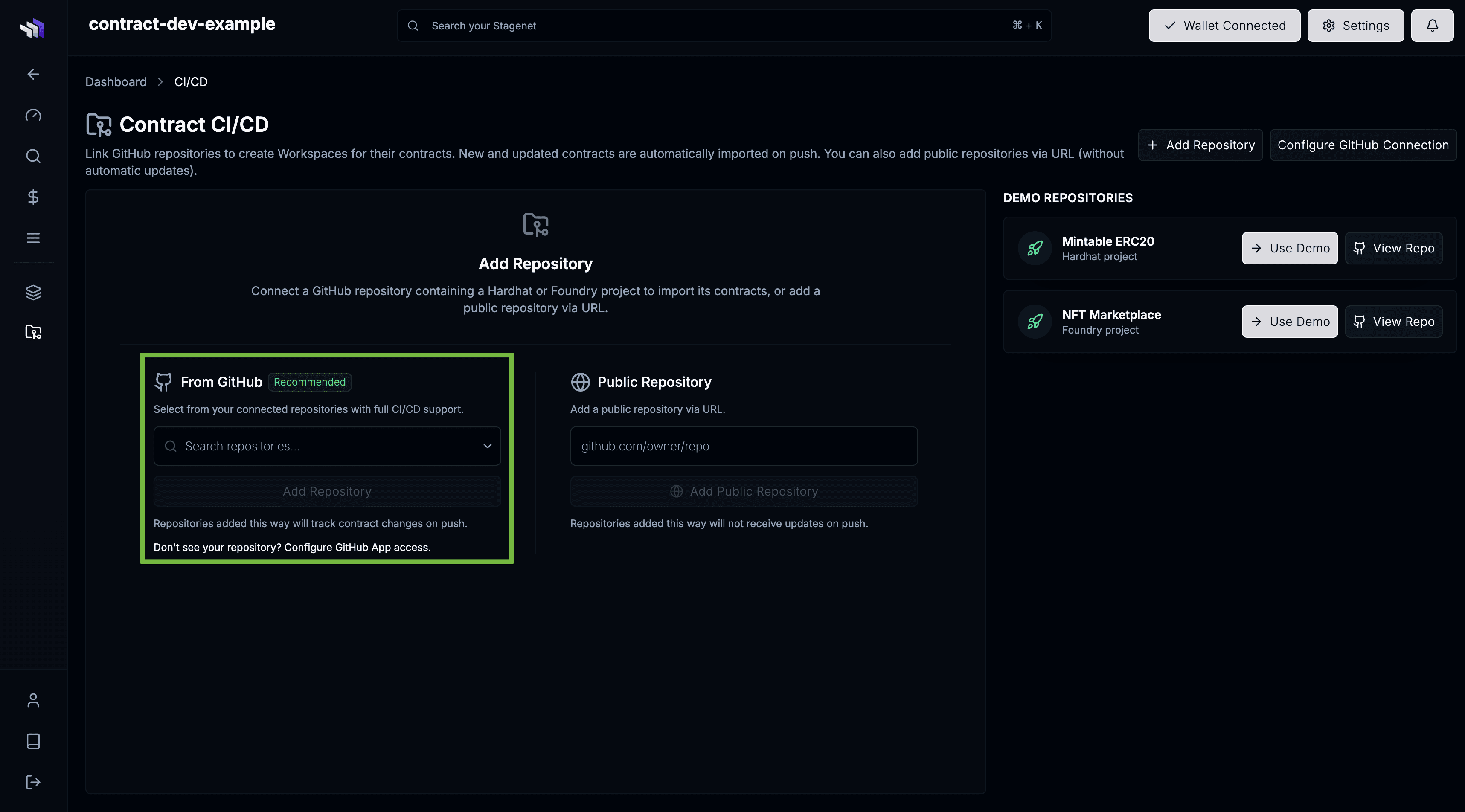
Then return to the CI/CD page, select your repository, and click Add Repository.
You’ll be taken to the repo’s Build Configuration page.
Hardhat projects work out of the box (npm install to install dependencies, npx hardhat compile to compile contracts).
If you use a custom setup, configure your own build steps here.
Click Add Repository to start the import.
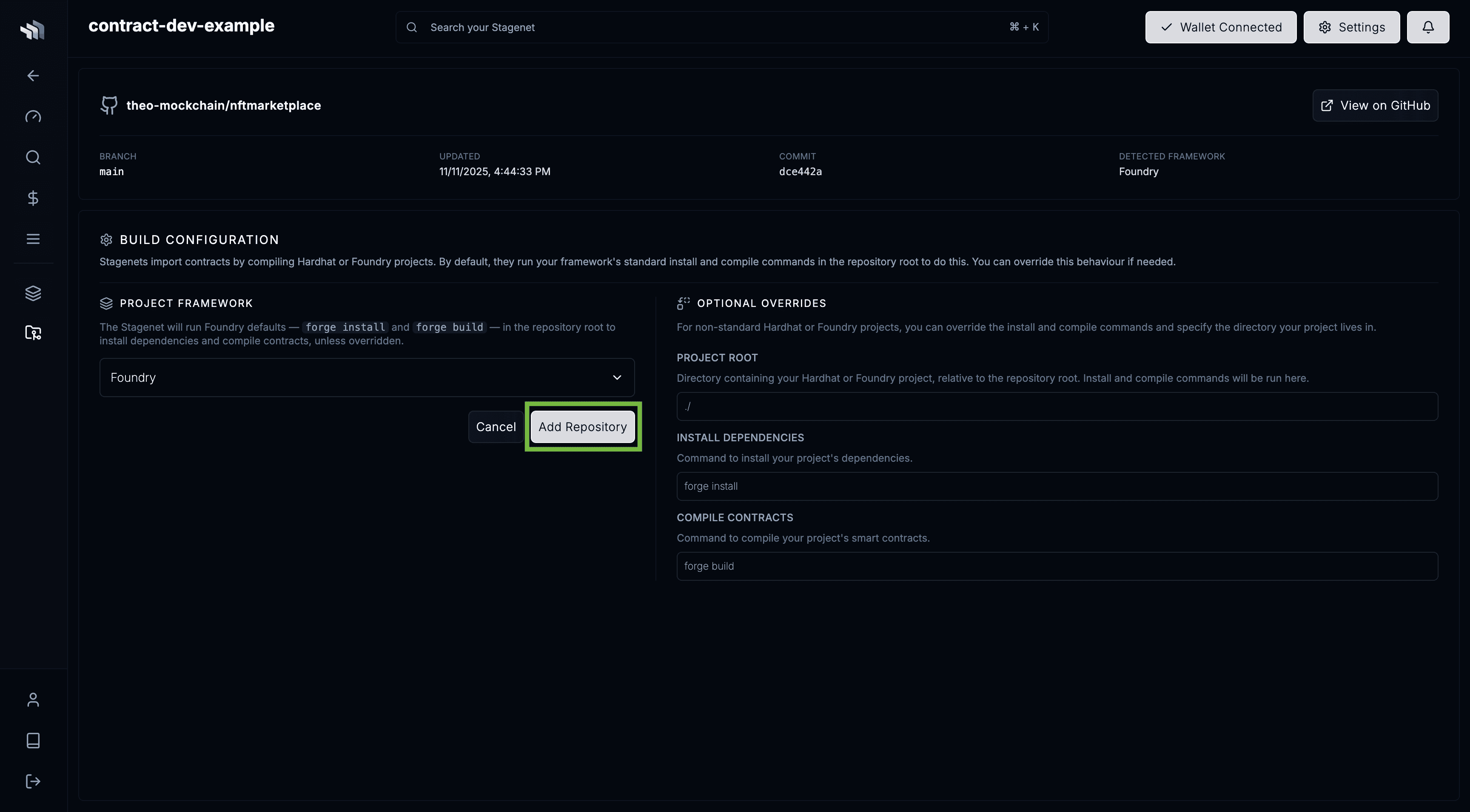
You will then be taken to your repo’s dashboard, where you’ll see the initial compilation running.
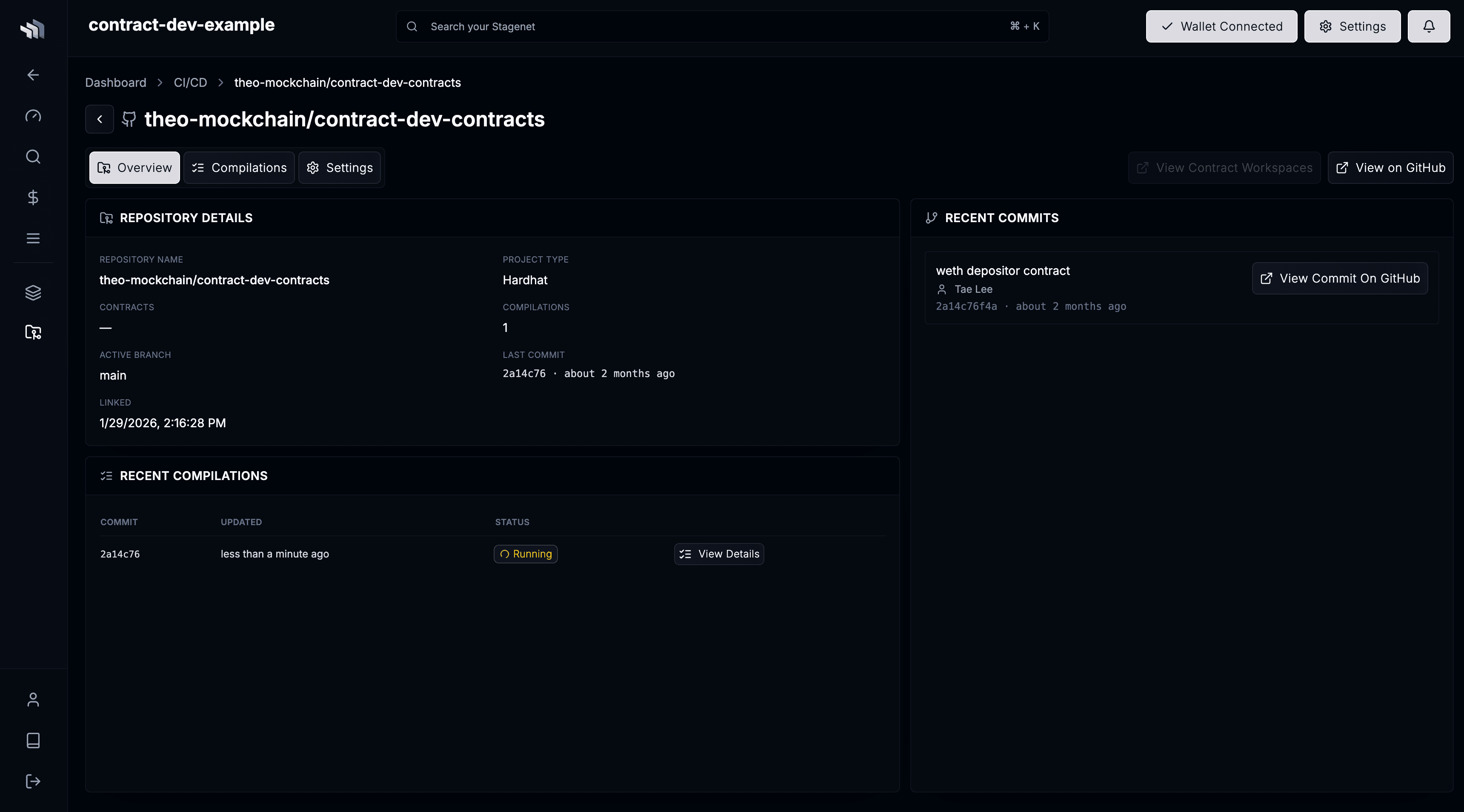
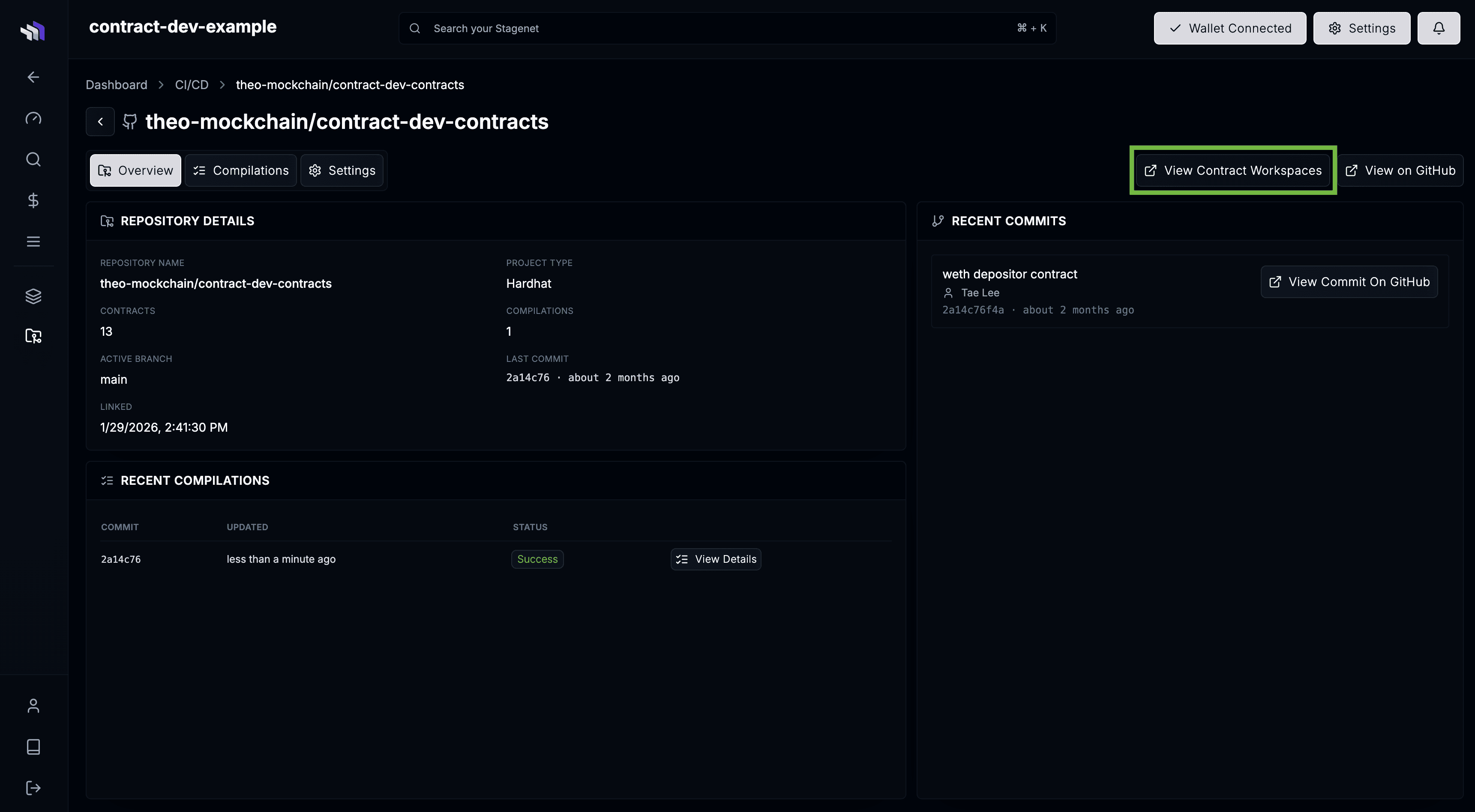
Once complete, your Contract Workspaces are generated. Click View Contract Workspaces to see them.
Activate Workspaces
Workspaces are created automatically, but they only become active once the corresponding contracts are deployed to your Stagenet.
You’ll see any undeployed Workspaces on the dashboard:
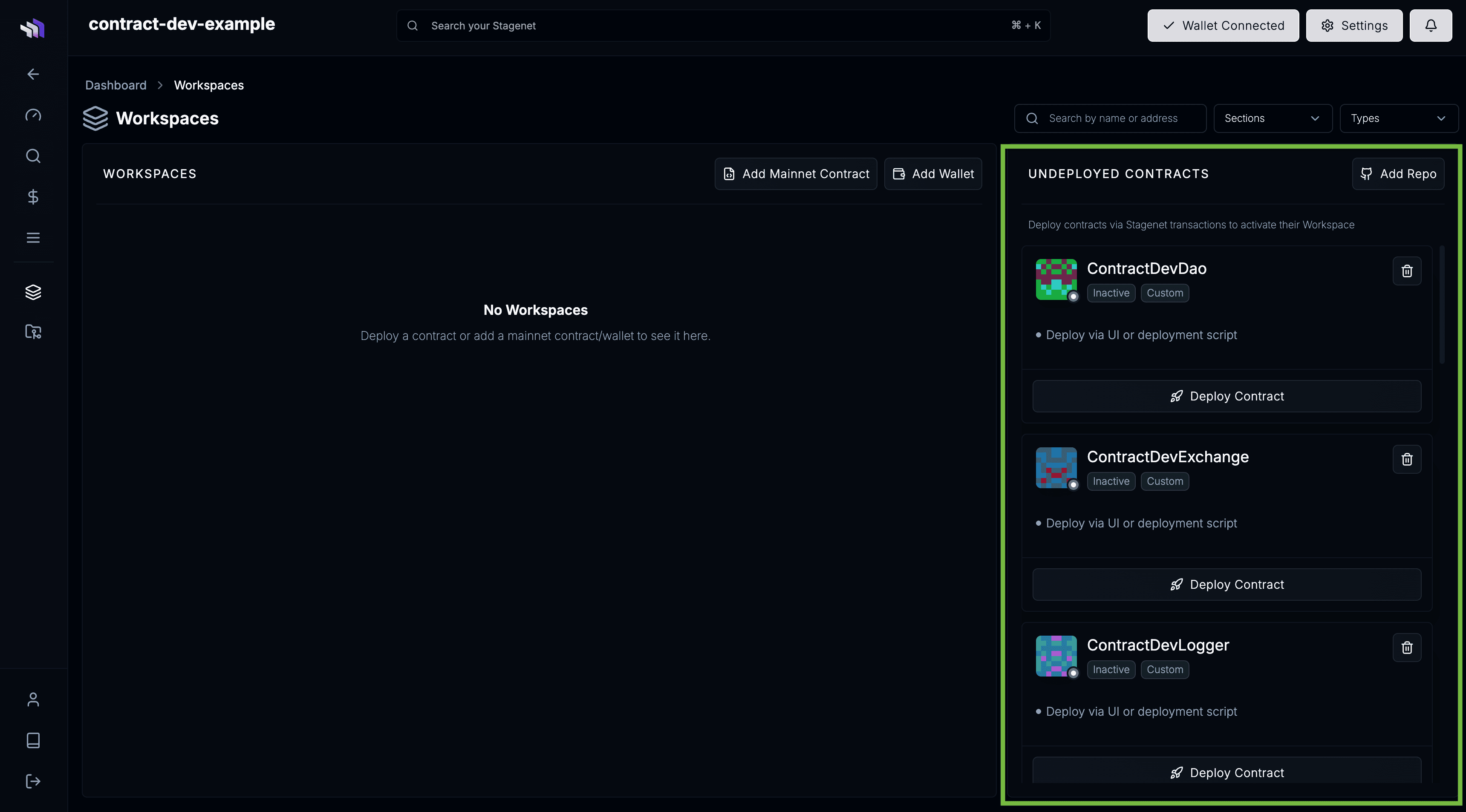
Activate your Workspaces by deploying your contracts onto your Stagenet.
Do this via your usual deploy commands with the --network stagenet flag.
npx hardhat run scripts/deploy.js --network stagenet
npx hardhat ignition deploy ignition/modules/MyModule.ts --network stagenet --build-profile default
Once deployed, your Workspaces activate automatically.
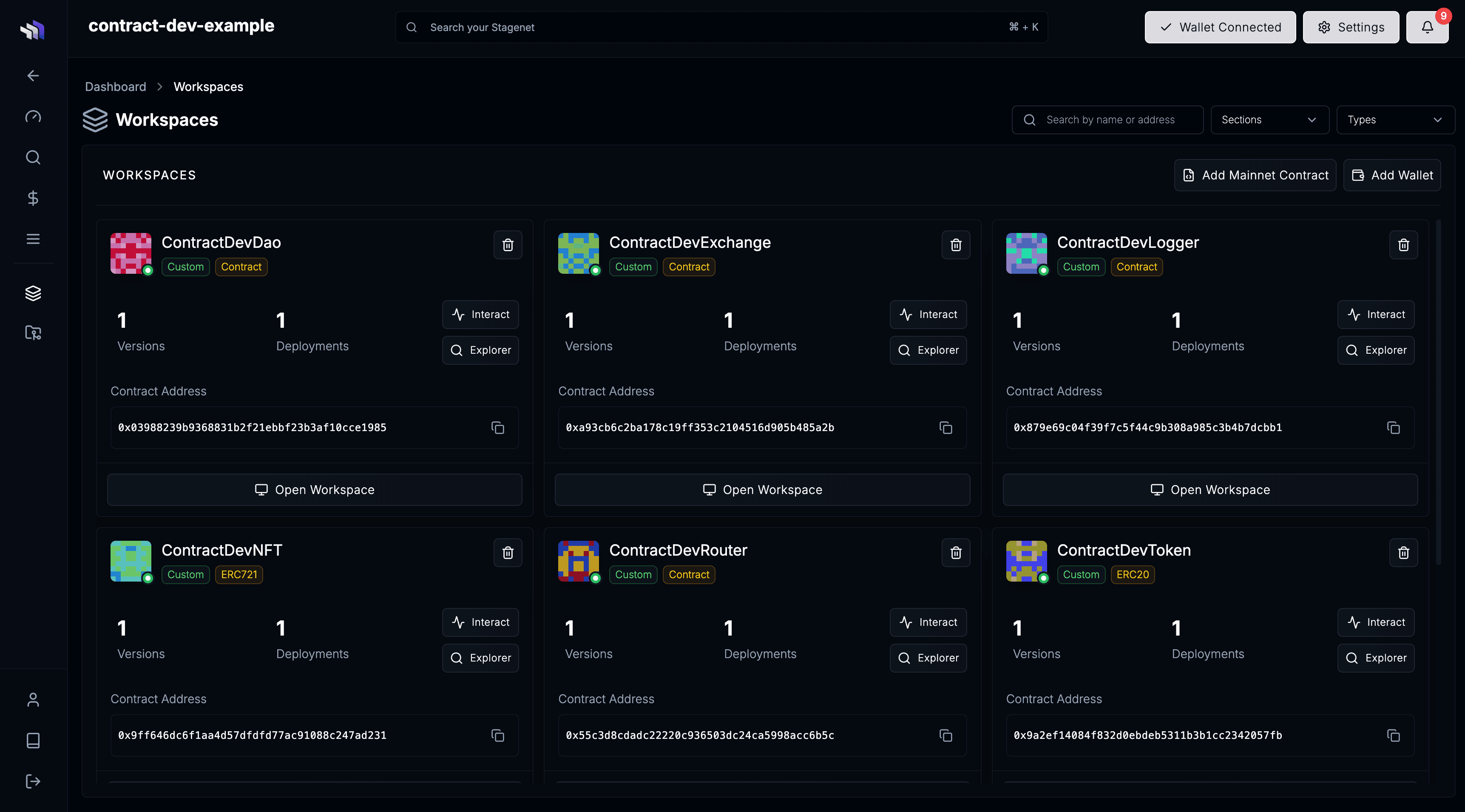
You can now inspect behaviour, debug interactions, and iterate on your contracts.
Workspaces have an Overview that gives key contract stats and activity.
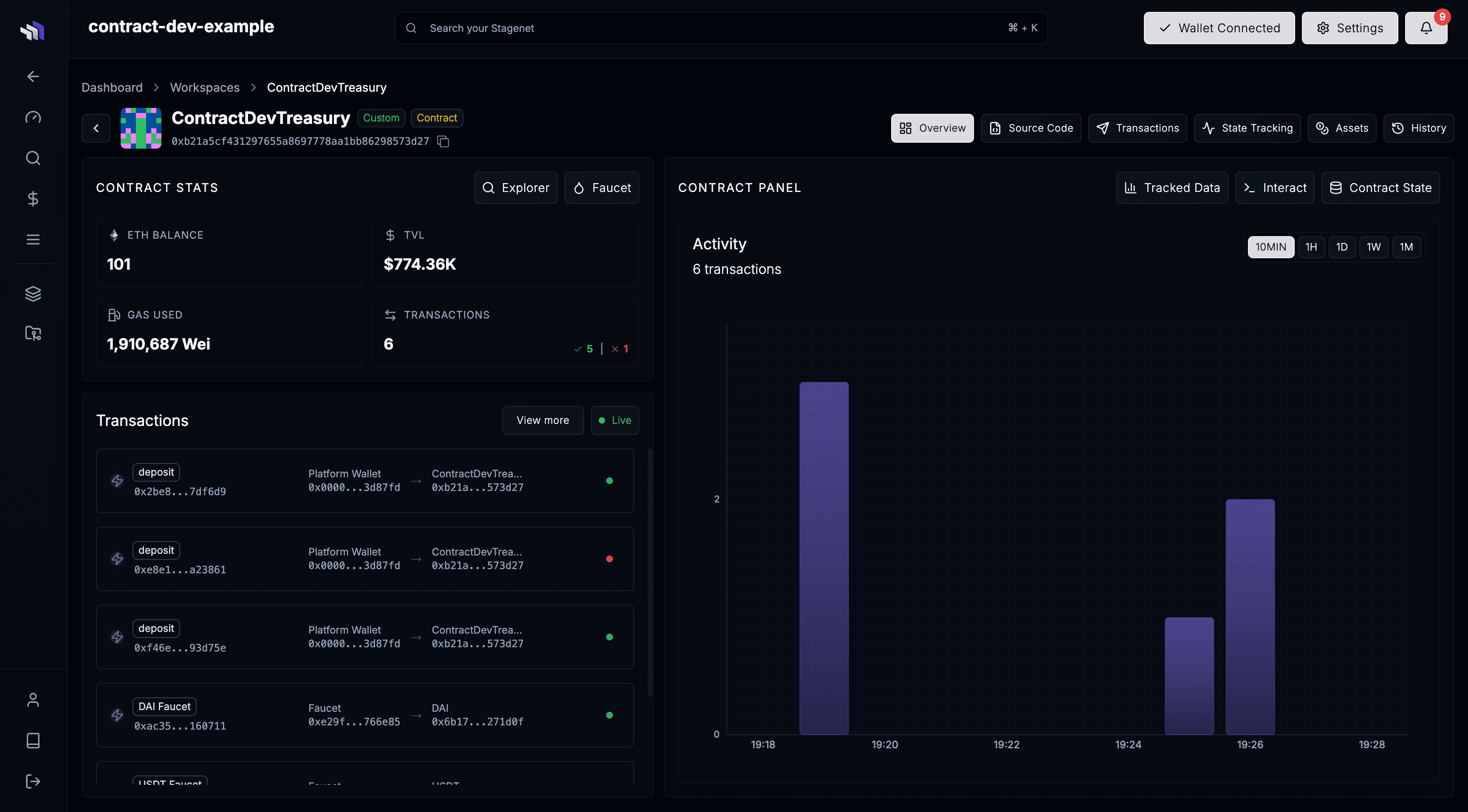
A Data Tracking View that allows you to record and graph contract data.

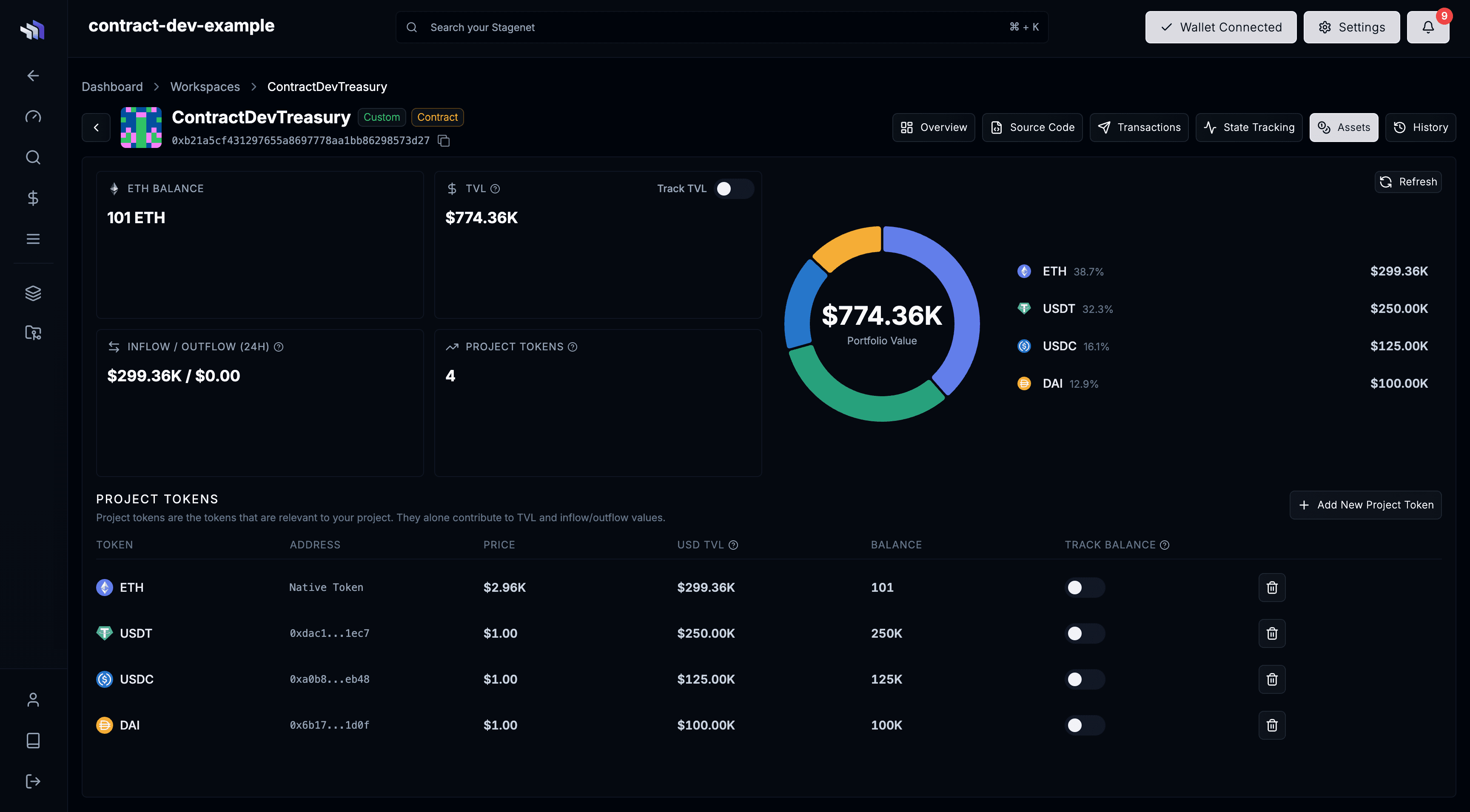
And an Assets View that gives info on token holdings and TVL.
CI/CD Enabled
Your Hardhat project is now wired into CI/CD. Your Stagenet stays synced with your repository:
- Pushing new contracts creates new Workspaces
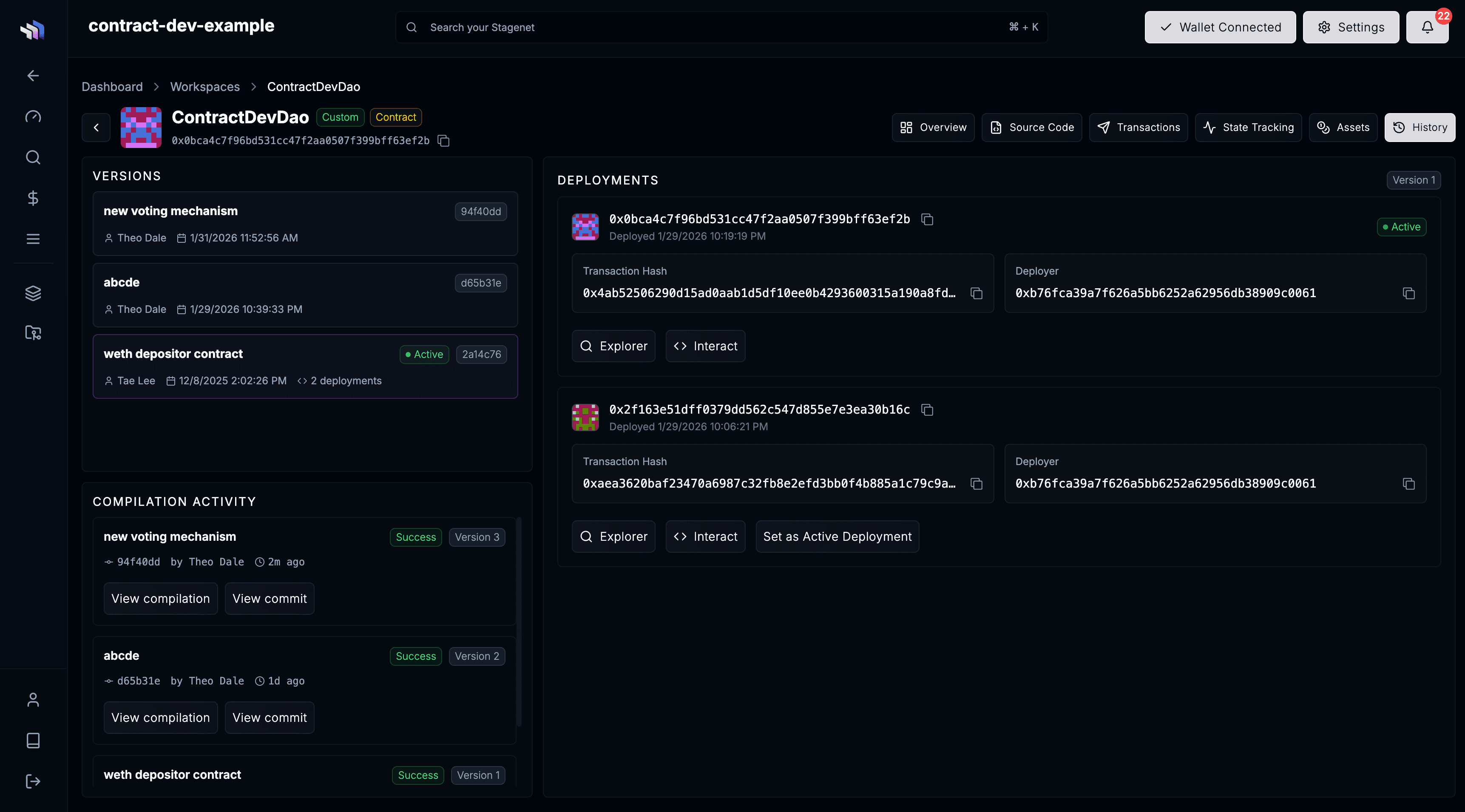
- Pushing updates to existing contracts automatically creates new Contract Versions
You can browse a Workspace’s Contract Versions in its History View.
Next Steps
Your Hardhat project is now fully connected to your Stagenet. From here, simply push updates to GitHub — new versions and deployments will flow automatically.
Explore the rest of the contract.dev platform: