Assets View
The Assets View provides a breakdown of the tokens held by a Workspace’s contract or wallet. It allows you to:
- View TVL
- View asset inflows and outflows
- See a USD-denominated breakdown of holdings
- Graph TVL and token balances over time
Project Tokens
Project Tokens are tokens you mark as relevant to your application.
The Assets View only displays information for Project Tokens. It also exclusively uses them for TVL and inflow/outflow calculations.
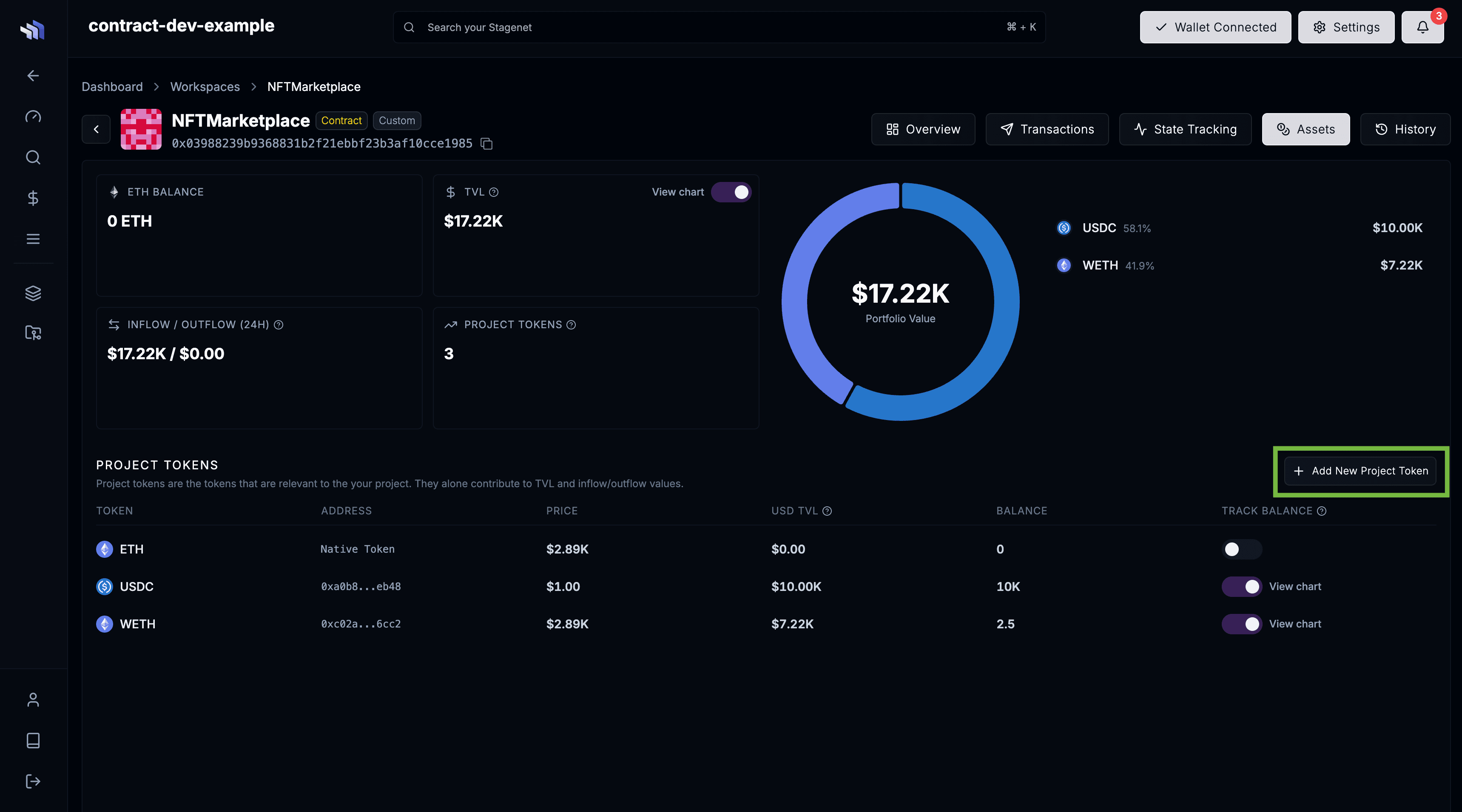
For each Project Token, the it displays:
- Contract or wallet’s token balance
- USD value of that balance
- Token price (sourced from the Stagenet’s onchain Uniswap V3 TWAP oracles)
By default, a Stagenet begins with only the native token of its chain (e.g. ETH for an Ethereum-based Stagenet). You can add more tokens at any time by clicking Add New Project Token:
Balance Tracking
You can track and graph the Project Token balance of your contract or wallet by enabling the Track Balance toggle in that token’s row of the Project Tokens table.

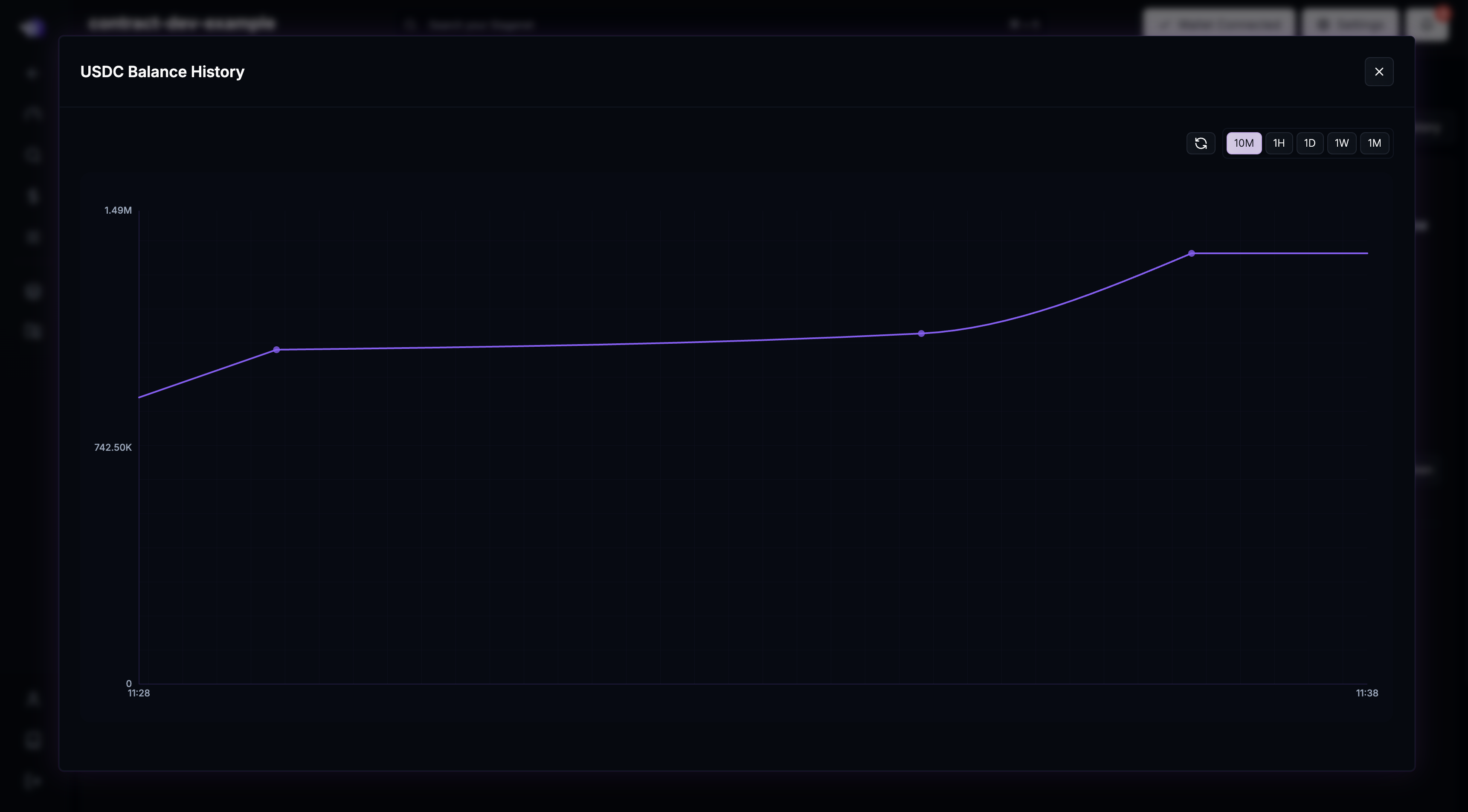
This will start tracking your contract or wallet’s balance as it changes on your Stagenet. You can view this graphed by clicking the View Chart text on the right of the toggle.
TVL
The Assets View displays the TVL of your contract or wallet, calculated exclusively from Project Tokens.
For instance, if the contract holds 100 USDC and 100 USDT but only USDC is configured as a Project Token, the reported TVL will be $100.
To have other assets contribute to TVL, add them as Project Tokens.
Tracking TVL
You can enable TVL tracking using the toggle next to the TVL value.
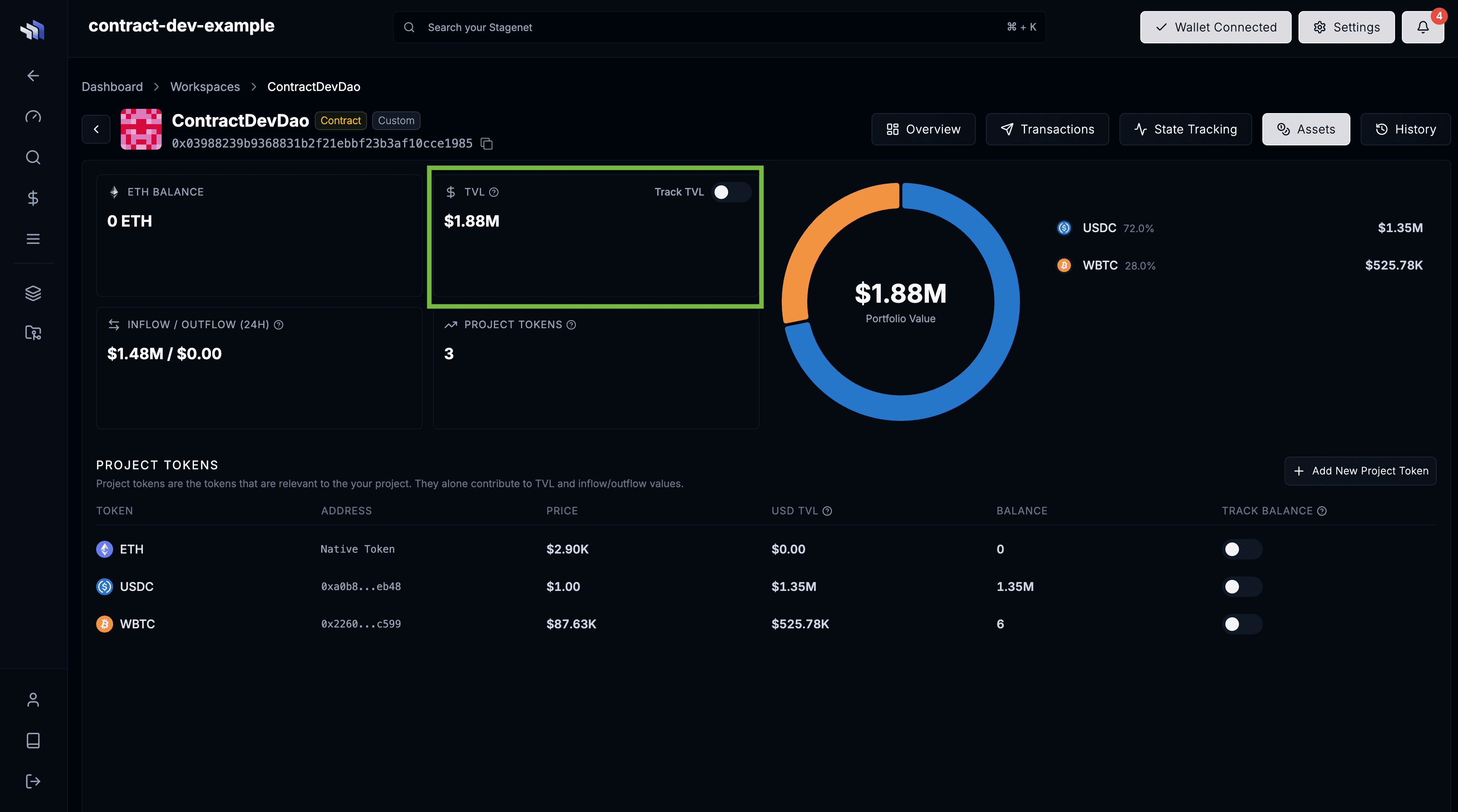
This will start tracking the TVL of your contract or wallet as it changes on the Stagenet.
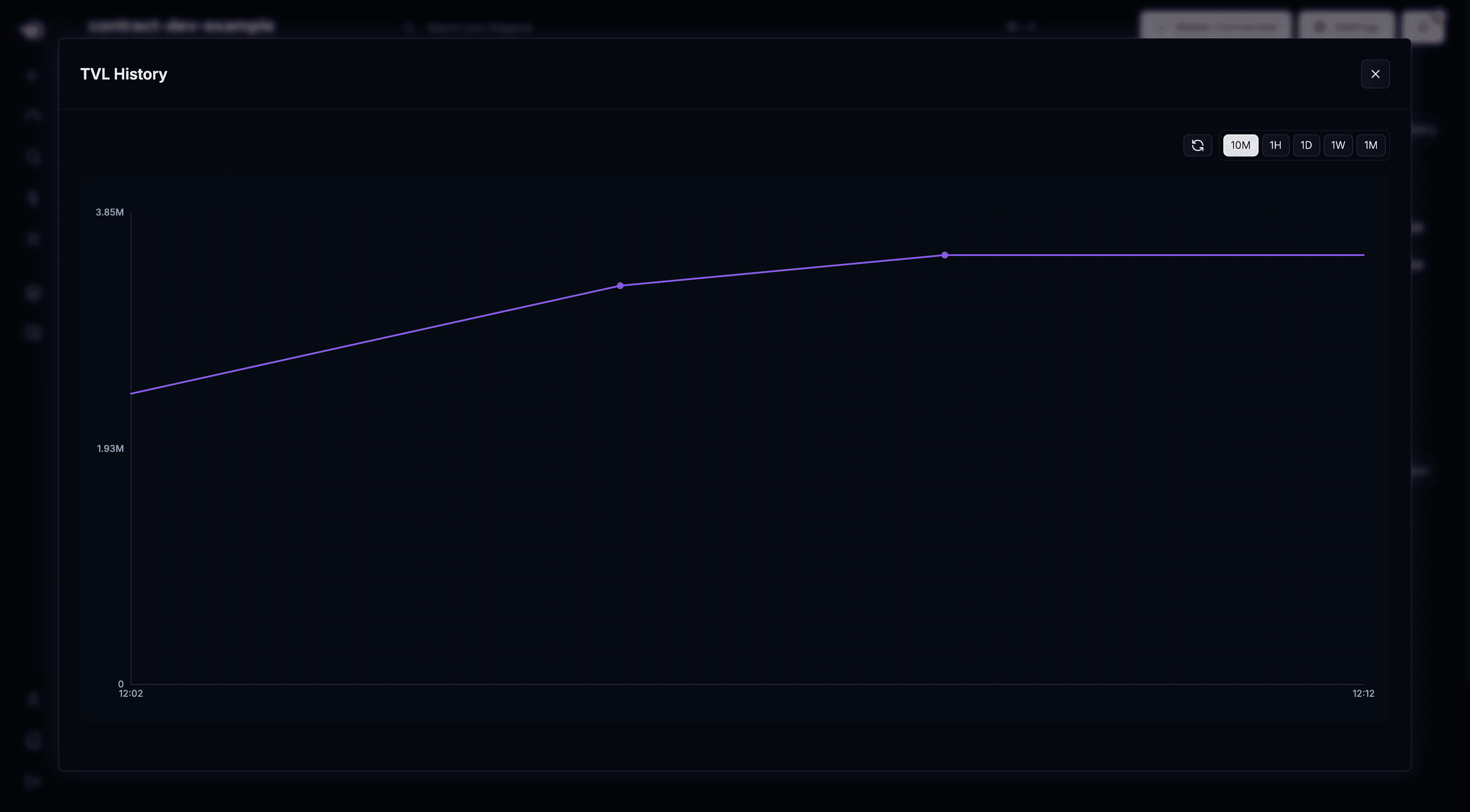
You can view a graph of this by clicking the View Chart text on the left of the start tracking TVL toggle.